


YOUR CAR
CAN BE STOLEN
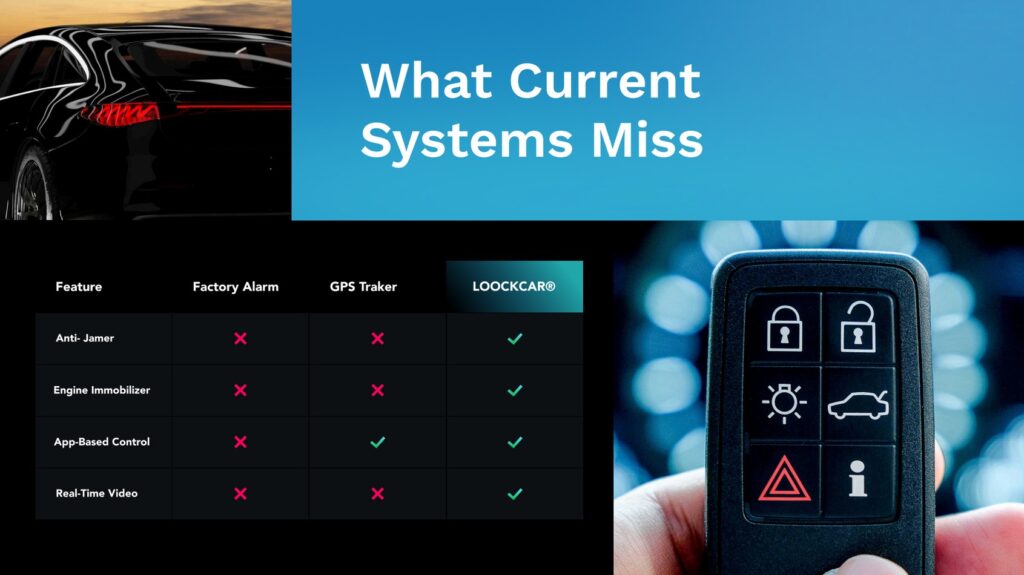
in under 60 seconds with no alarm triggered
Dash cam storage solutions: managing your footage
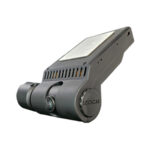
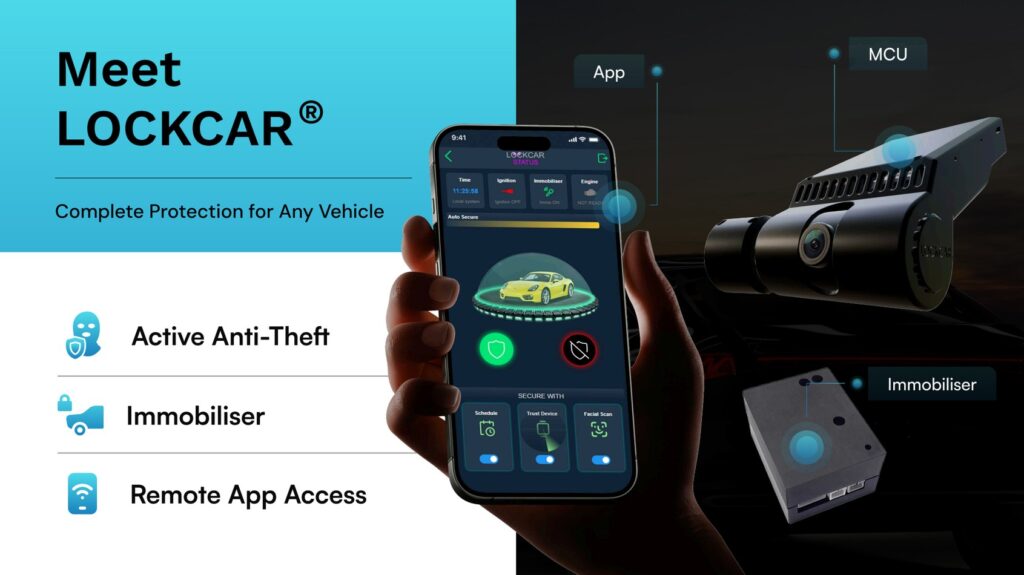
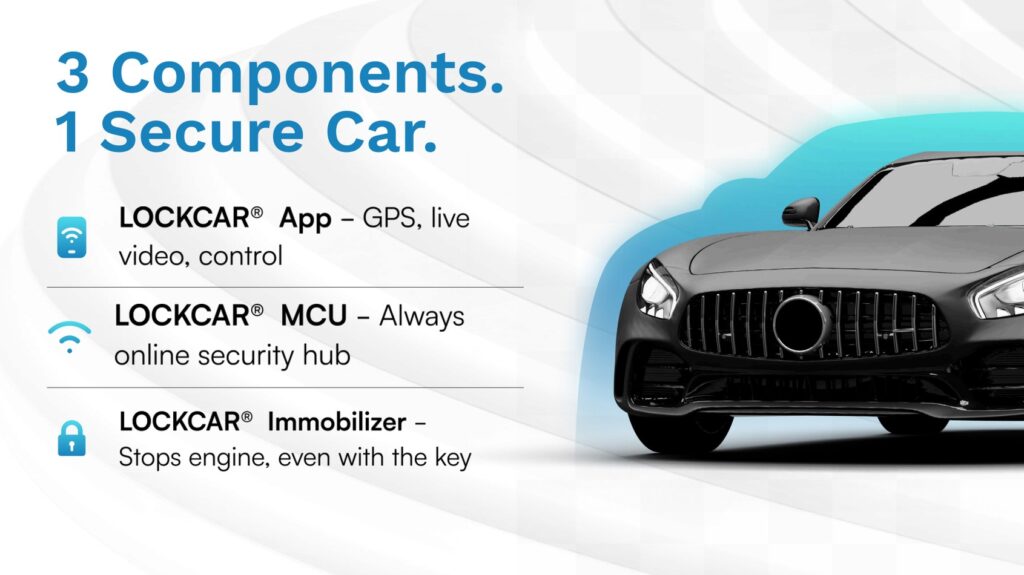
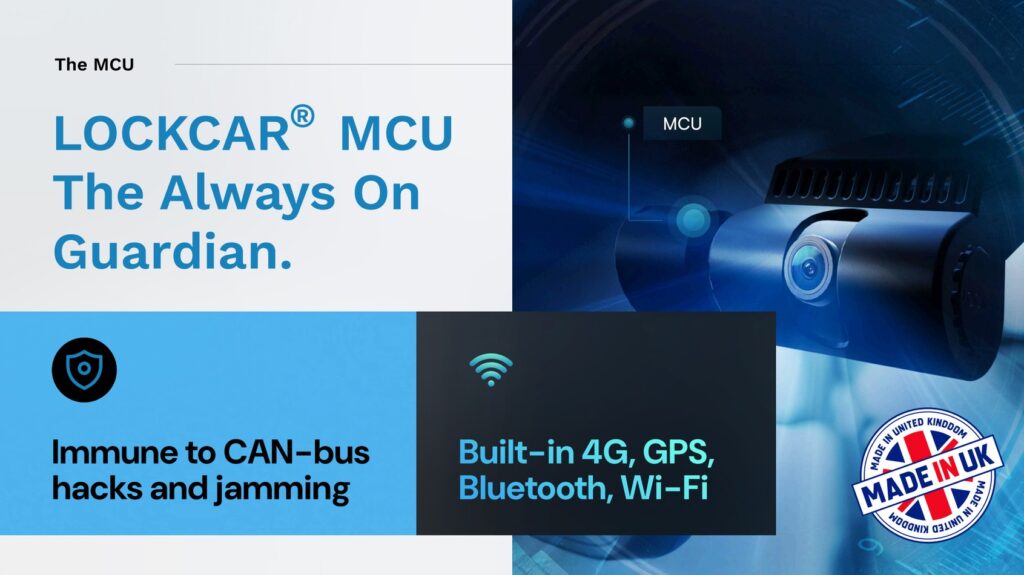
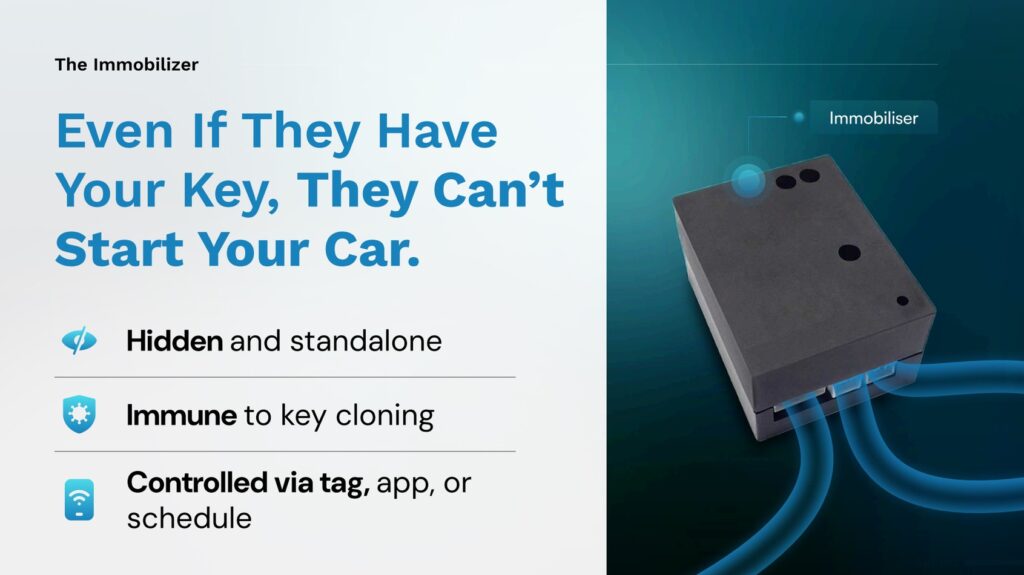
LockCAR designs and makes 4G dashcams, immobilisers and GPS trackers in the UK. A dashcam is only useful if the right clip is still there when you need it. This guide covers SD card sizes, loop recording, 4G backup and what to do with footage after an incident.
- SD sizes explained
- Local and 4G storage
- Fitted from £450
How much footage does an SD card hold? Dash Cam Storage.
A dashcam records in a loop. When the card is full, the oldest unlocked files are overwritten, so card size decides how far back you can go.
| Card size | Roughly how much driving | Suits |
|---|---|---|
| 64GB | About 8 to 12 hours | Short daily trips with little parking mode |
| 128GB | About 16 to 24 hours | Most daily drivers, with some parking mode |
| 256GB | About double a 128GB card | Two cameras, long parking spells or business vehicles |
Event files are different. On most dashcams a G-sensor locks the clip when it detects a knock, and many have a button to lock it by hand, so the loop does not overwrite it. Too many locked files can fill a card, so clear them once they are saved elsewhere.
Keeping the card healthy
Most missing-footage problems come back to the card, not the camera.
- Use a high endurance card
- Dashcams write all day. Standard cards are made for photos and wear out early under constant recording.
- Format it in the camera
- Format the card in the dashcam itself every two to three months, not on a computer, to keep writing reliable.
- Check a clip every month
- Play back a recent file. A card that has failed can sit in the slot for weeks before anyone notices.
- Replace it when errors start
- If the camera warns about the card or files will not play, fit a new card rather than reformatting again.
- Keep it cool
- A card in a camera behind a sunny windscreen works hard. Good endurance cards are rated for heat, cheap ones often are not.
More care tips are in our guide to dash cam maintenance.
Why 4G access matters when the car itself is taken
- The card leaves with the carWith SD-only recording, footage of a theft is driven away inside the vehicle.
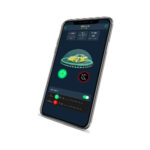
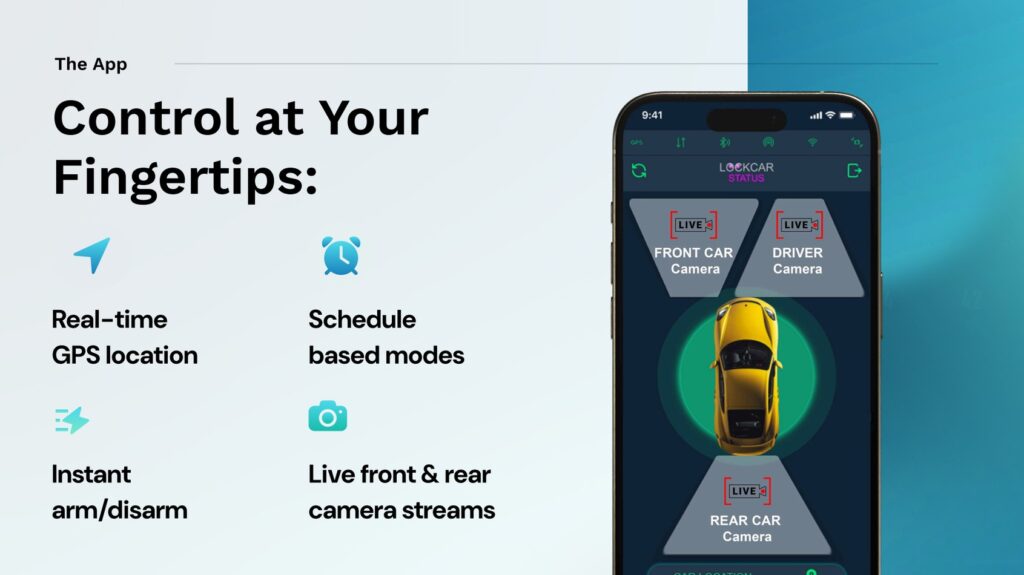
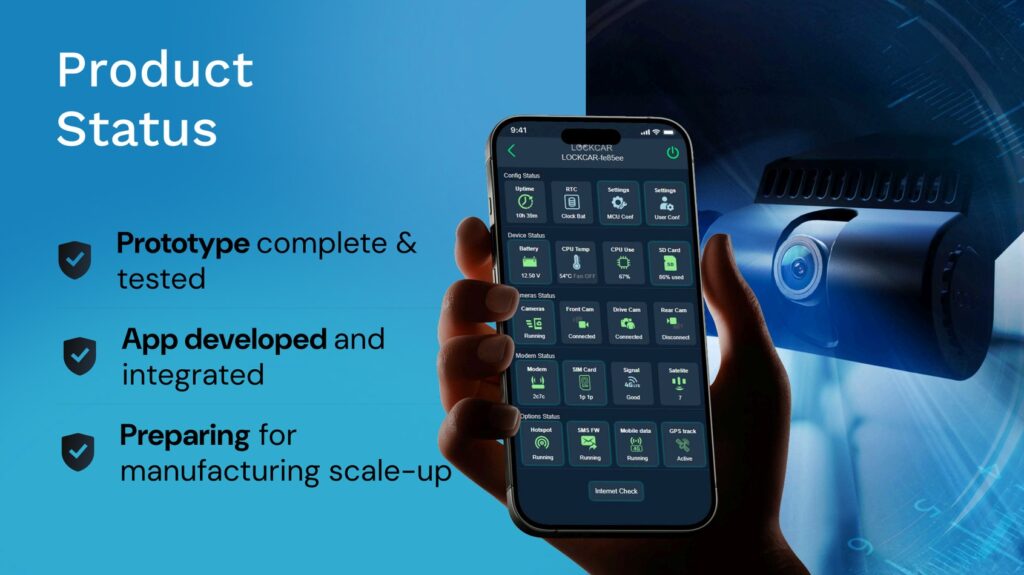
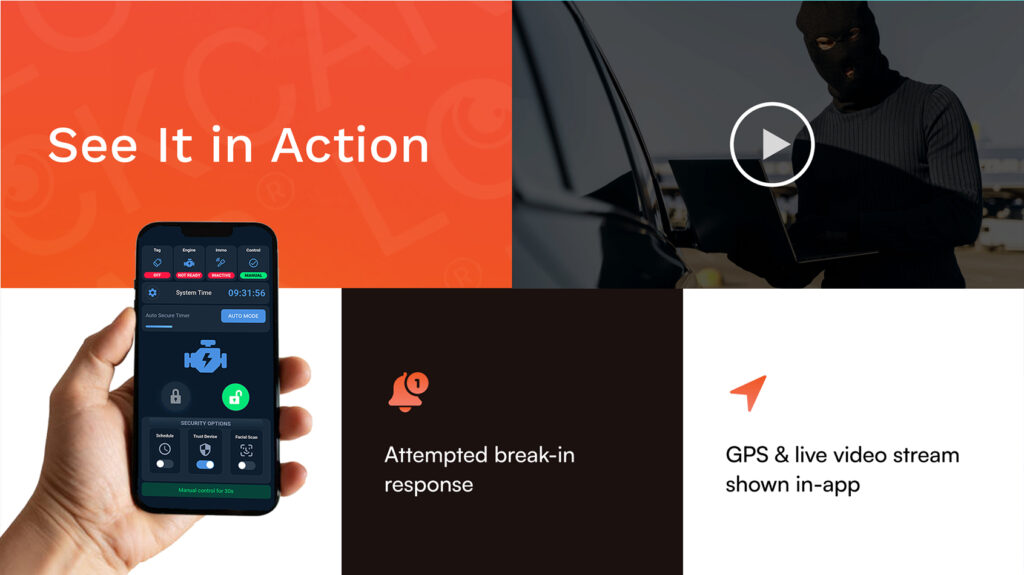
- You can look without the carOur 4G models give a live camera view and remote access to footage from the app.
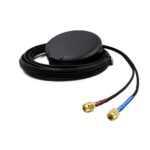
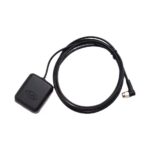
- Location comes with itThe GPS tracker in the 4G models adds where and when to what the camera saw.
- Fleets save tripsA manager can review an incident from the office instead of collecting a card from the vehicle.
What to do with footage after an incident
Lock the clip straight away
Use the lock or event button if your dashcam has one, or check the G-sensor has locked the file, so the loop cannot record over it.
Copy it somewhere safe
Save the original file to a phone or computer as soon as you can. Keep it unedited, with its time and date.
Share only what is needed
Send the relevant clip to your insurer or the police. Think twice before posting it online, and read our guide to dash cams and privacy first.
SD only or 4G: which LockCAR system?
LockCar One, £450 fitted
Dashcam plus immobiliser, recording to an SD card. No subscription for local SD recording. A good fit if you mainly want evidence for claims.
LockCar One Plus 4G, £499 fitted
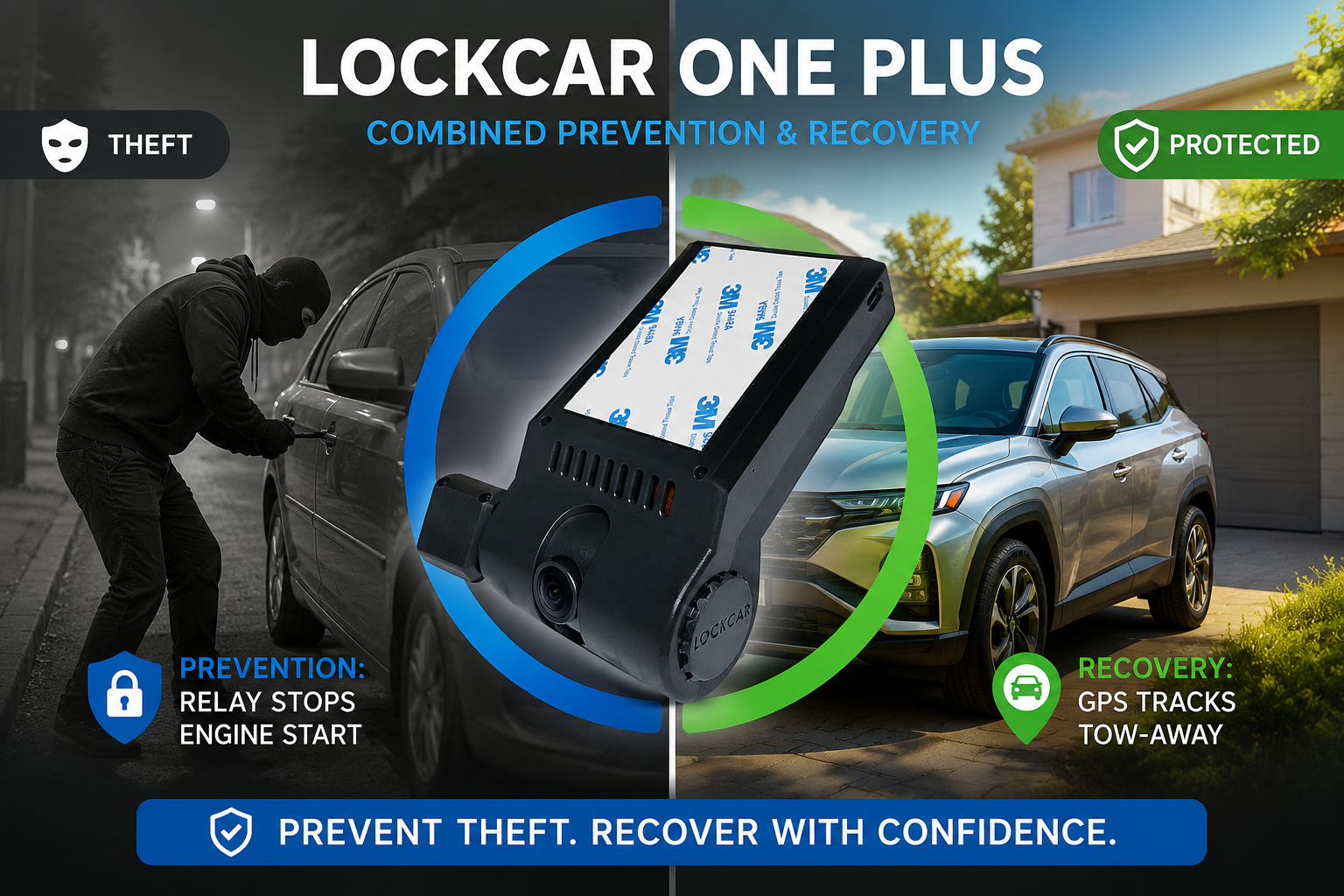
Adds a GPS tracker, live camera view and remote access to footage, so a theft is recorded even if the car is gone.
Need a second camera? Duo RH (£550 fitted) and Duo RH Plus 4G (£699 fitted) record two views. Choose a larger card for two cameras.
Questions about dashcam storage
What size SD card should I use in a dashcam?
For most daily drivers, a 128GB high endurance card is a good balance. Choose 256GB for two cameras, long parking spells or business use.
How long before my dashcam records over old footage?
Once the card is full, the oldest unlocked files are replaced. On a 64GB card at 1080p that is roughly 8 to 12 hours of driving.
Why does my dashcam card keep failing?
Usually because it is not a high endurance card or has not been formatted in the camera for a long time. Constant writing wears out standard cards.
Does parking mode fill the card faster?
Yes. Parking recording adds files while the car is parked, so a bigger card or fewer locked events helps.
Can I get footage if my car is stolen?
With an SD-only dashcam, the card goes with the car. Our 4G models add live view and remote access to footage, along with GPS location.
Is there a subscription for SD recording?
No. Recording to the SD card on LockCar One needs no subscription.

Written by the LockCAR engineering team. We design and build our immobilisers, GPS trackers and 4G dashcams in the UK and fit them through our approved installers. Meet the engineers. Last updated .