













YOUR CAR
CAN BE STOLEN
in under 60 seconds with no alarm triggered
Dash cam maintenance tips for longevity: keep your recordings reliable
Regular dashcam maintenance helps keep your camera ready to record when you need it. Checking the memory card, cleaning the lens, reviewing recordings and keeping the device correctly configured can help prevent avoidable problems. LockCAR’s guide explains how to care for your dashcam and when professional support may be useful.
On this page
Dash Cam Maintenance Tips for Longevity start with a few simple habits: keep the lens clean, check that the camera is recording, look after the memory card and review the device settings from time to time. A dashcam can be valuable when you need footage of a collision or another road incident, but only if the relevant recording has been captured and saved. Regular checks help you spot problems before you rely on the footage as evidence.
Dash Cam Maintenance that helps prevent recording problems
A dashcam usually works in the background, so it is easy to forget about it after installation. However, a camera that powers on is not necessarily recording correctly. The memory card may be full, the recording may have stopped or a setting may have changed without you noticing.
Make a habit of checking the camera’s status indicator or display when you start driving. The exact indicators depend on the model, so consult the manufacturer’s instructions if you are unsure what normal operation looks like. If your dashcam uses an app, check for recording status or alerts there too.
Every so often, review a short recording to confirm that the picture is clear and the sound works if audio recording is enabled. Check that the date and time are correct, as inaccurate timestamps can make footage harder to interpret. If the camera records front and rear views, check both channels rather than assuming that the rear camera is working because the front one is.
It is also worth checking the camera’s position. Everyday vibration, an accidental knock or work around the windscreen can move a mount. Make sure the lens still has a clear view of the road and that the camera does not obstruct your view as the driver. Our guide to the legal position for mounting a dashcam on a UK windscreen explains why placement matters.
SD card care: protect your dashcam recordings
The memory card is essential to a recording dashcam. Many models use loop recording, which means older footage is overwritten as storage fills up, unless it has been protected or saved separately. If the card develops a fault, the camera may display an error, stop recording or fail to save a clip when you need it.
Use a memory card that meets the specifications recommended for your particular dashcam. High-endurance cards are designed for repeated recording and rewriting, making them suitable for many dashcam applications. Check the required card type, capacity and speed rating in the manufacturer’s instructions rather than assuming any card will work reliably.
Some manufacturers recommend formatting the card periodically in the camera. Follow the instructions for your model and make sure you have copied any important footage before formatting, because formatting normally removes stored recordings. Do not format the card simply as a routine task if you have not checked whether there is evidence you need to keep.
Memory cards wear over time, particularly when they are used for frequent recording. There is no single replacement interval that suits every card and camera. Follow the manufacturer’s guidance, pay attention to repeated card errors and replace a card if it becomes unreliable or is no longer supported by the device.
If an incident occurs, save the relevant recording as soon as it is safe to do so. Depending on the dashcam, you may be able to lock a clip, transfer it through an app or copy it to another device. Check that the saved file can actually be opened before relying on it. Keeping a separate copy of important footage can help prevent it being lost through loop recording or card failure.
Clean the lens and windscreen for clearer footage
Dust, fingerprints, road film and dried water marks can reduce image clarity. Even a camera that records continuously may produce footage that is difficult to use if the view through the windscreen is dirty. Clean the glass around the camera regularly and inspect the lens whenever you notice a hazy or blurred image.
Use a clean, soft microfibre cloth and follow the camera manufacturer’s cleaning instructions. Avoid abrasive materials and harsh chemicals that could damage the lens or its coating. Do not spray cleaning fluid directly into the camera or its connections. When cleaning the windscreen, take care not to knock the camera out of position.
Condensation can also affect visibility, especially during colder or damp weather. If the image looks foggy, check whether moisture is on the windscreen or lens and allow it to clear before assessing the recording quality. Persistent internal condensation or a camera that repeatedly fogs up may need further inspection.
Protect your dashcam from heat and cold
A vehicle interior can become very hot in direct summer sunshine and cold during winter. These temperature changes can affect electronic equipment and memory cards. Check the operating and storage temperature limits supplied with your dashcam, and avoid placing the device where it receives unnecessary direct heat if the mounting instructions allow an alternative position.
Do not leave the camera exposed to liquids or attempt to dismantle it to resolve a fault. If you notice a burning smell, damaged wiring, unusual heat or repeated power interruptions, stop using the device if it is safe to do so and seek appropriate professional advice.
Check the power supply, mounting and software
A stable power supply is important for consistent recording. If your dashcam repeatedly switches off, restarts or loses settings, check the connections and power arrangement specified by the manufacturer. For a socket-powered camera, make sure the plug is seated correctly and the cable is not being pulled loose. For a hardwired installation, have persistent electrical problems checked by a qualified installer rather than disturbing the vehicle’s wiring yourself.
Correct cable routing also matters. Cables should be secured appropriately and kept clear of the driver’s controls and areas where they could interfere with safety equipment. A professional installation can help achieve a neat fit and reduce the chance of accidental cable damage, although it does not remove the need for routine checks.
Check whether the manufacturer has released firmware updates for your camera. Updates may address bugs or improve compatibility, but availability and benefits vary by model. Follow the official update procedure, ensure the power supply is stable and do not interrupt an update in progress. If the camera is working normally, avoid installing unofficial firmware or files from untrusted sources.
If you are deciding how to power a new camera, our guide to hardwired versus cigarette lighter dashcam installation explains the main differences to consider.
LockCAR vehicle security systems
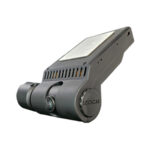
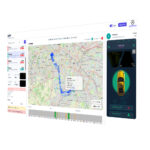
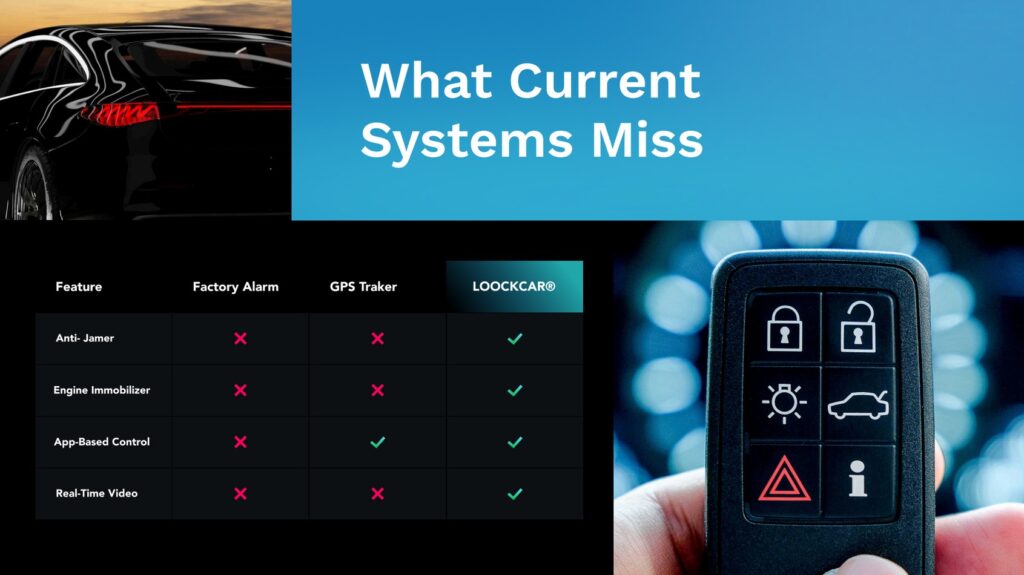
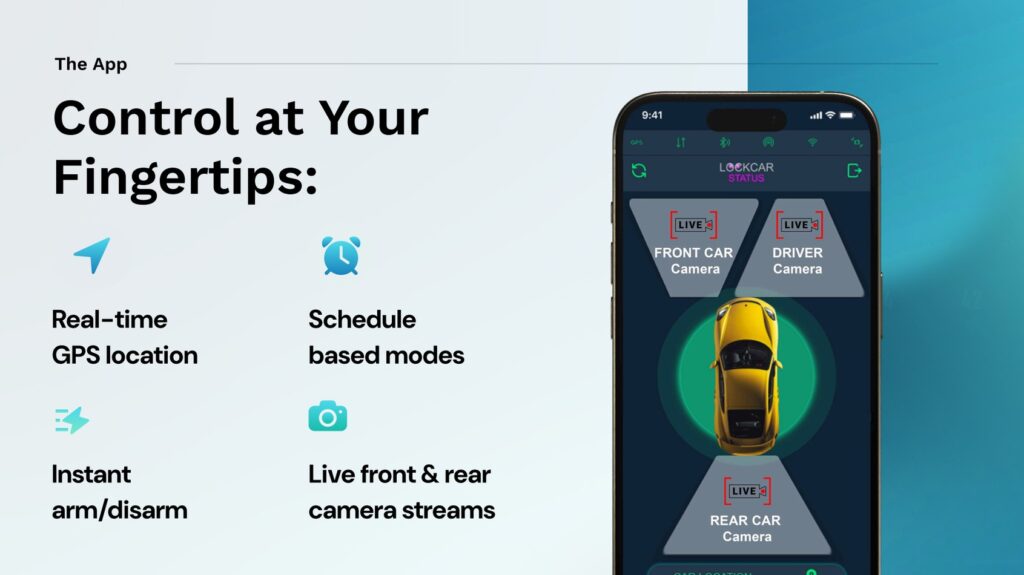
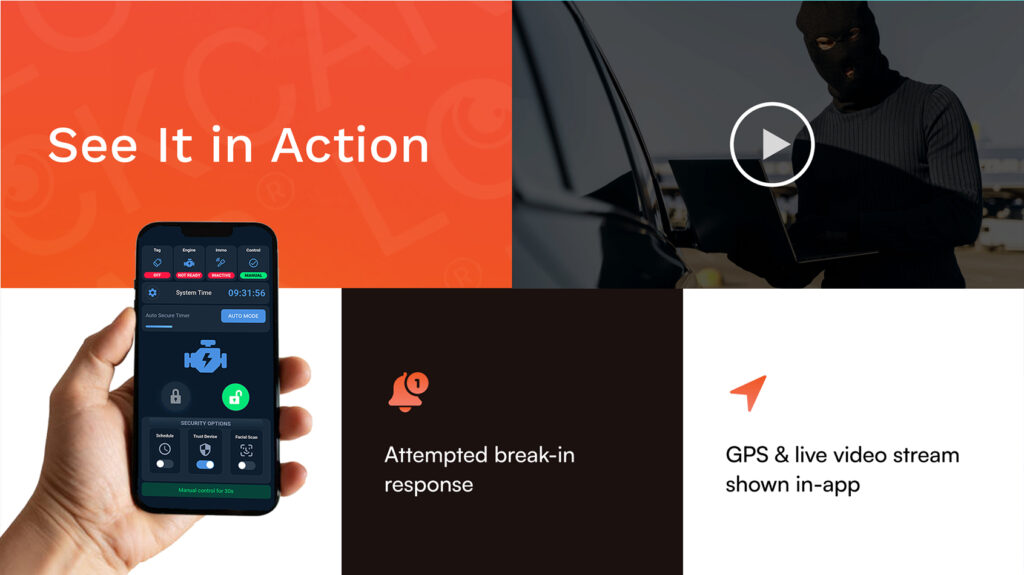
If you are choosing a dashcam or reviewing your current setup, consider whether you also want additional vehicle security. LockCAR ONE combines a dashcam with a hardwired relay immobiliser, while LockCAR ONE Plus is listed with 4G GPS, live tracking, a dashcam and an immobiliser. Check the product details and compatibility with your vehicle before ordering.


A professionally installed system can help provide secure mounting and an appropriate power connection. It is still important to check that the camera records correctly, keep the lens clean and follow the manufacturer’s maintenance instructions. Confirm the full product and fitting cost before booking.
A simple dashcam maintenance routine
A short, repeatable routine is easier to maintain than waiting until a fault appears. Use the following checks as a starting point, adapting them to your device’s instructions and how frequently you drive.
Frequently asked questions about dashcam maintenance
How often should I check that my dashcam is recording?
Check the recording indicator or display regularly, especially before relying on the camera for a long journey. Review a sample clip from time to time and confirm that the date, time and image quality are correct.
How often should I replace my dashcam SD card?
There is no single replacement interval for every card and camera. Use a card that meets the manufacturer’s specifications, follow its maintenance advice and replace it if it becomes unreliable or repeatedly produces errors.
Can I format my dashcam memory card in a computer?
Follow the instructions for your particular dashcam. Some manufacturers recommend formatting the card in the camera. Before formatting, copy any important footage because the process normally deletes recordings stored on the card.
How do I keep my dashcam footage clear?
Keep the lens and the windscreen area in front of it clean using a soft microfibre cloth and the manufacturer’s recommended cleaning method. Check the camera position and inspect recordings for blur, glare or condensation.
Do dashcams need firmware updates?
Some dashcams receive firmware updates from their manufacturers. Check the guidance for your model and install updates only from an official source, following the correct procedure and maintaining a stable power supply throughout the update.
Does professional installation mean my dashcam will not need maintenance?
No. Professional installation can help with mounting, cable routing and the power connection, but the camera still needs routine checks. Keep the lens clean, confirm that recordings are being saved and follow the manufacturer’s guidance for memory cards and software.
Need help choosing or fitting a dashcam?
Contact LockCAR to discuss your vehicle, compare available security systems and confirm product compatibility, fitting options and the total cost before booking.
WhatsApp to enquire Call usUK vehicle security