
YOUR CAR
CAN BE STOLEN
in under 60 seconds with no alarm triggered
Dash cam loop recording on UK roads: how it works
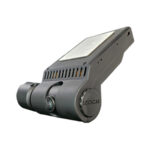
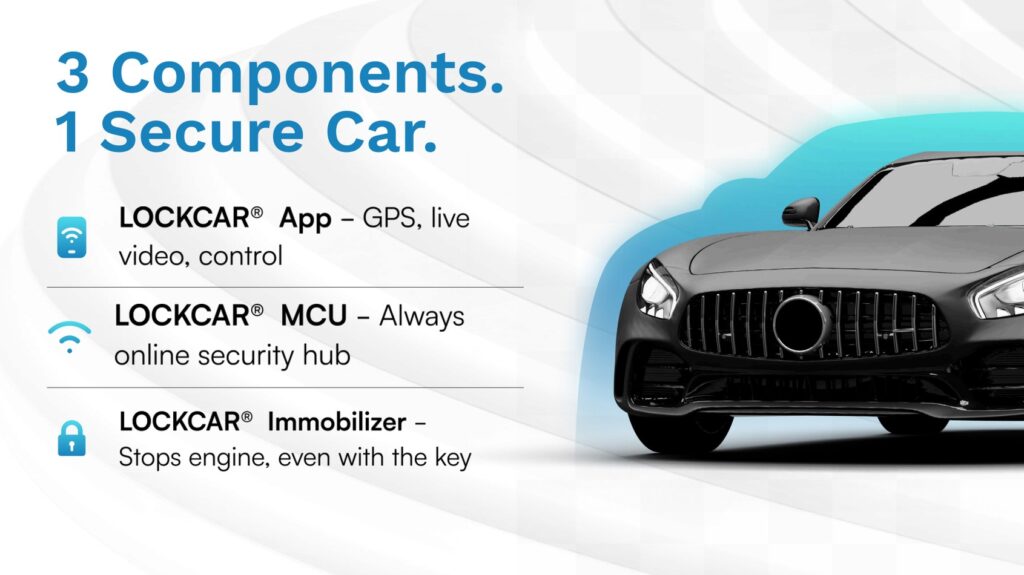
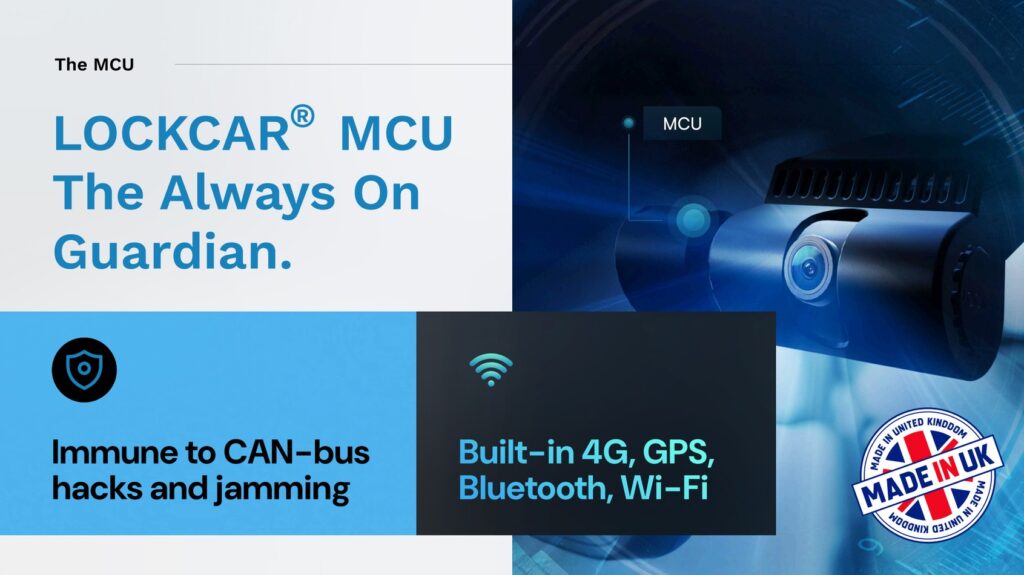
LockCAR is a UK vehicle security manufacturer, and we build and fit 4G dashcams, GPS trackers and CAN bus immobilisers for drivers who want their car protected. This page explains dash cam loop recording on UK roads in plain words: how the card overwrites old clips, how to keep the footage that matters, and how a 4G dashcam saves the video before it can be lost.
Ask about dashcams on WhatsApp- Fitting included
- 4G cloud upload
- No immobiliser subscription
How loop recording works on a dash cam
Loop recording is what lets a dash cam record all day without anyone emptying the card. Once you understand it, you can set it up properly.
- It records in short clips
- The camera saves footage as a series of short clips, stored one after another on the SD card.
- The oldest clip is deleted first
- When the card is full, the camera deletes the oldest clip and records a new one in its place. The card always holds the most recent footage.
- Card size sets the window
- A bigger card holds more footage, but the loop is still a rolling window rather than a permanent archive. Anything older than the card’s capacity is gone.
- Impact clips are locked
- A good dashcam senses a hard impact and locks the current clip so the loop cannot overwrite it. Locked clips stay on the card until you delete them.
- Parking mode uses space too
- If the camera records while parked, that footage takes up card space as well, so the driving footage window gets shorter.
- Cloud upload changes the picture
- On a 4G dashcam, footage is uploaded alongside the SD recording, so it is saved even if the card later loops over it.
Why the cloud matters more than the card
- The card can be taken with the carIf a thief steals the vehicle and the dashcam with it, the local SD footage is gone. Footage already uploaded is not.
- The loop does not waitIf you do not save or lock a clip before the card fills, it is overwritten. Cloud upload removes that race.
- Evidence from the moments beforeFor a theft or a crash, the minutes before the event are often the most useful. Uploaded footage keeps them.
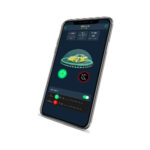
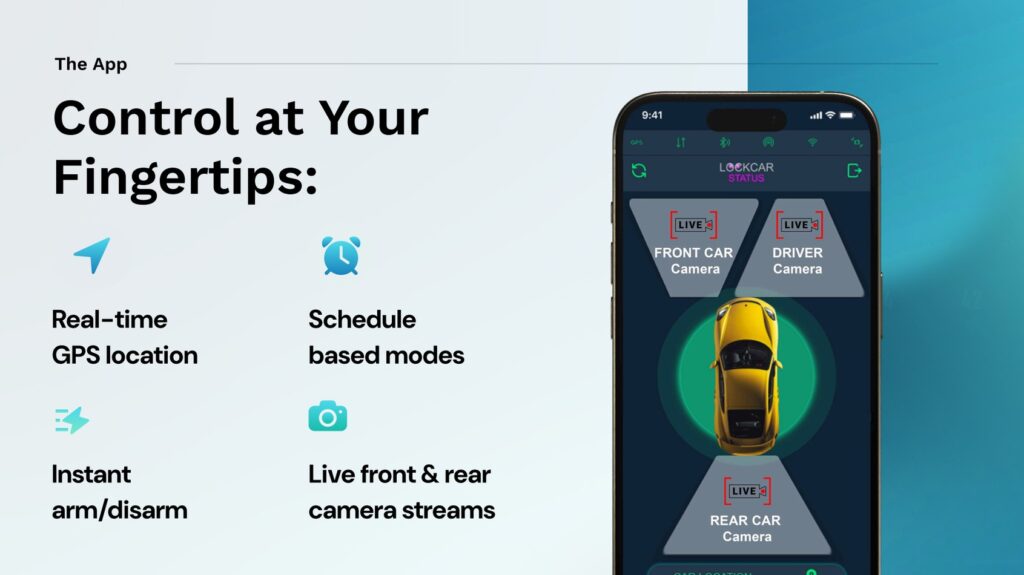
- Live camera on 4G modelsOn a compatible LockCAR 4G dashcam system, you can view the camera live from the app.
Loop recording protects the most recent footage, not everything. If you need a clip kept, lock it or download it before the card fills. That is the single habit that stops useful footage disappearing.
Setting up loop recording properly, in three steps
A dash cam that is fitted and set up well does its job without you thinking about it.
Choose a card that suits your driving
Pick a card size that covers the gaps between when you check footage. If you rarely look at the card, go bigger or add a 4G model with cloud upload.
Check that impact locking is on
Make sure the camera locks clips on impact, and test it. A locked clip is the one thing loop recording cannot delete.
Fit it hardwired, not trailing a cable
A hardwired dashcam keeps recording while parked and does not depend on the cigarette lighter socket. LockCAR dashcam and immobiliser systems include fitting.
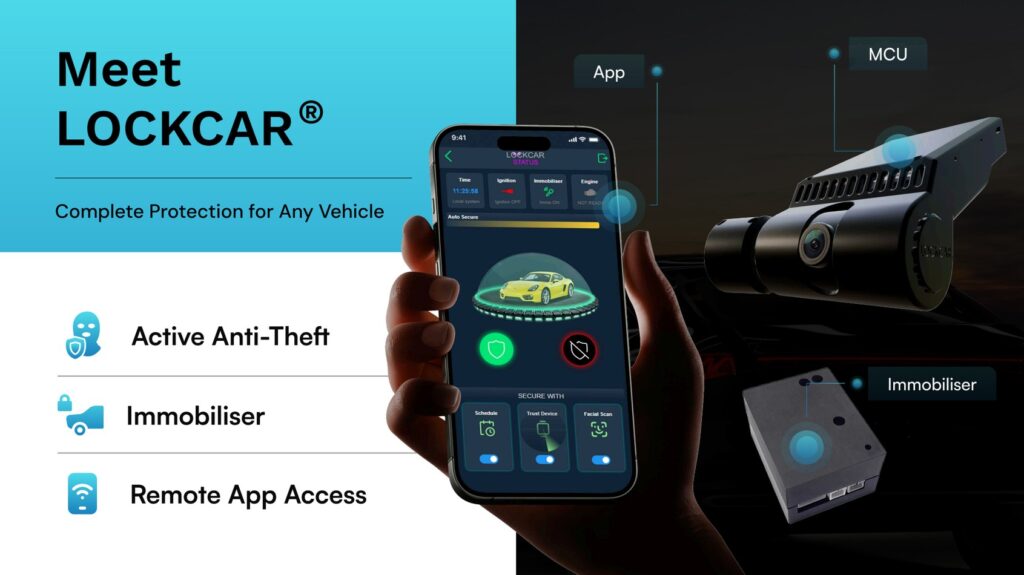
LockCAR dashcam and immobiliser systems
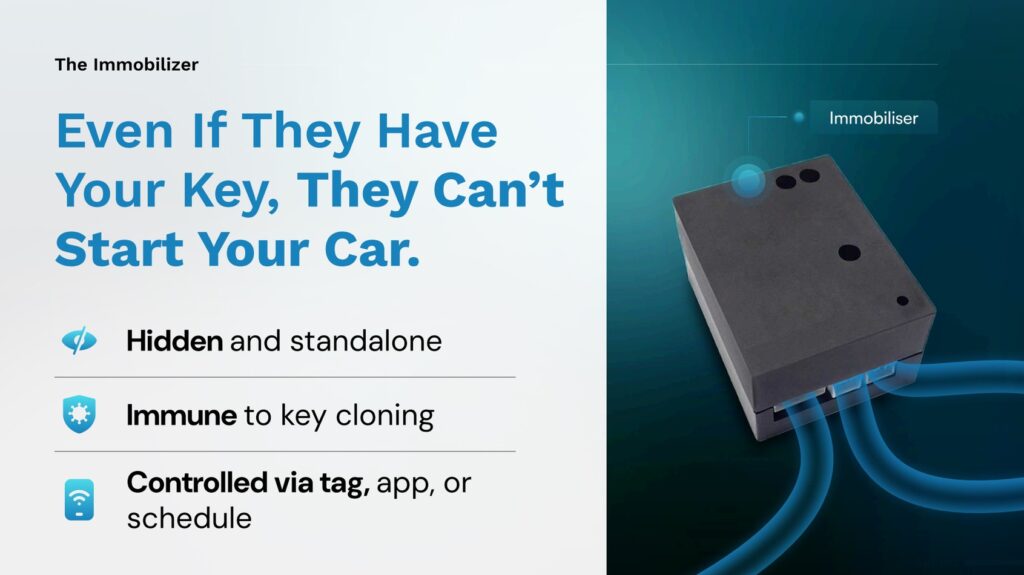
Each system combines a dashcam with a hardwired immobiliser, so you get evidence and prevention in one unit. Fitting is included in the price.
| System | What it includes | Price |
|---|---|---|
| LockCar One | Dashcam and immobiliser, no GPS tracker | £450 |
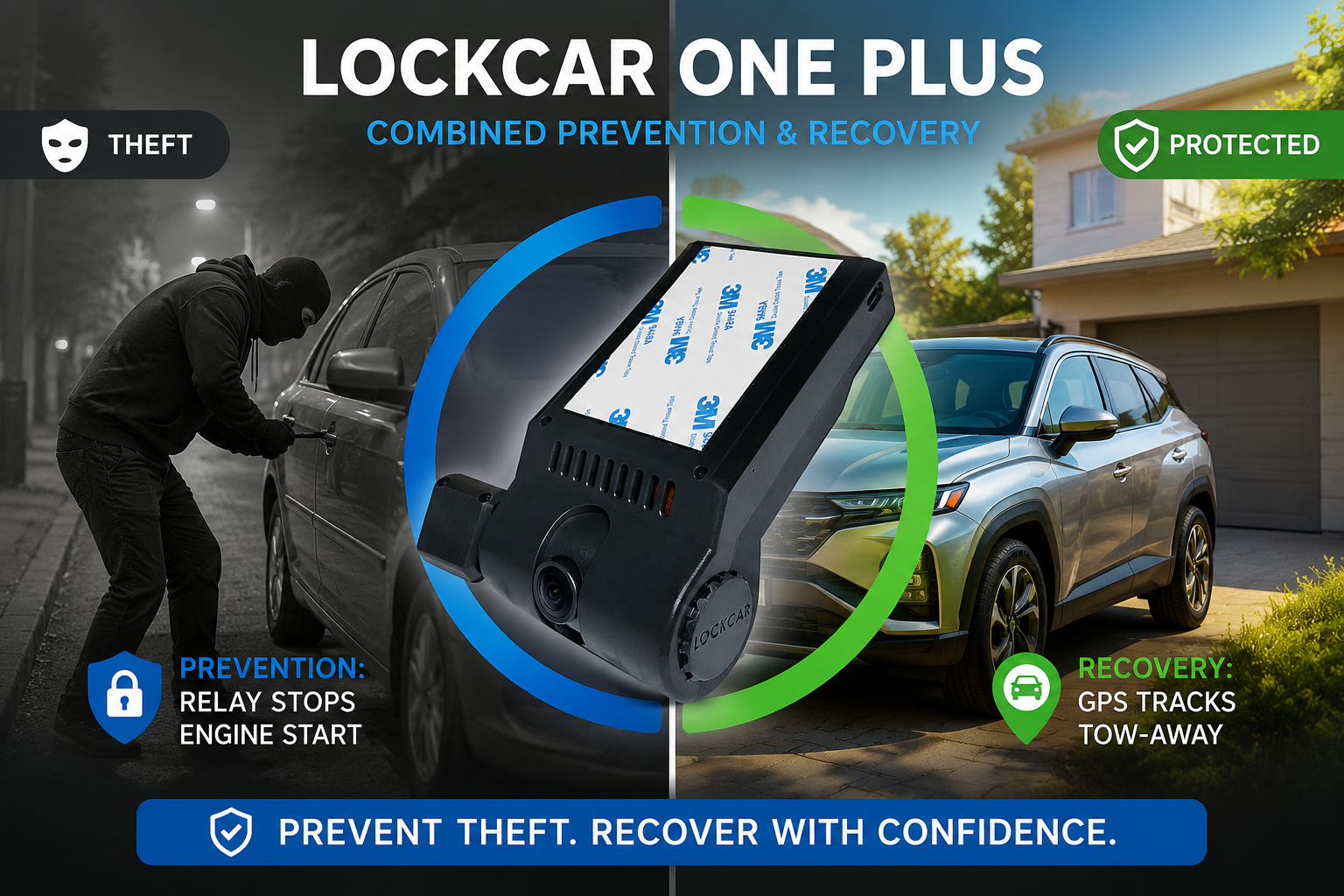
| LockCar One Plus 4G | Dashcam, immobiliser and GPS tracker, with 4G cloud upload | £499 |
| LockCar Duo RH | Dual-camera dashcam and immobiliser, no GPS tracker | £550 |
| LockCar Duo RH Plus 4G | Dual-camera 4G dashcam, immobiliser and GPS tracker | £699 |
The 4G models are the ones that make the biggest difference to loop recording, because footage is uploaded before the card can overwrite it. LockCAR immobilisers work on 12 V and 24 V vehicles and need no subscription: the customer pays once. Check your car with the Vehicle CHECK before you book. Read more in our dash cam guide for company cars.
Questions UK drivers ask about loop recording
What happens when the SD card in a dash cam is full?
Loop recording deletes the oldest clip and records a new one in its place. The card always holds the most recent footage, and anything older than the card’s capacity is overwritten.
How long does loop recording keep footage?
It depends on the card size, the recording quality and how much the car is driven. A bigger card holds more, but it is a rolling window, not a permanent archive. If you need footage kept, save it or lock it before it is overwritten.
Will a crash clip be overwritten by loop recording?
A good dashcam detects a hard impact and locks the current clip so the loop cannot delete it. Locked clips stay on the card until you delete them. Check that your dashcam has this feature and that it is switched on.
Does a 4G dashcam still use loop recording?
Yes. It records to the SD card as normal and uploads footage to the cloud alongside it. That means footage is already saved if the card loops over it or the camera is taken with the car.
How long does LockCAR fitting take?
Fitting is done by a LockCAR approved installer at your home, at work or at an installation centre. Send us your car and postcode on WhatsApp and we will confirm the time for your vehicle.
Will a LockCAR dashcam affect my factory electronics?
No. It is fitted by an approved installer, and your factory functions continue to work as before. LockCAR immobilisers work on 12 V and 24 V vehicles, and the dashcam and immobiliser systems include fitting.
Do LockCAR dashcams and immobilisers need a subscription?
LockCAR immobilisers need no subscription: the customer pays once. Dashcam and immobiliser systems include fitting in the price.

Written by the LockCAR engineering team. We design and build our immobilisers in the UK and fit them through our approved installers. Meet the engineers. Last updated .