
YOUR CAR
CAN BE STOLEN
in under 60 seconds with no alarm triggered
LockCar Fleet Monitoring Platform (LFM) guide: every feature explained for UK fleets
LFM is the fleet dashboard that LockCAR, a Birmingham vehicle security brand of AZFO Ltd, built for businesses running five or more cars and vans. This guide walks fleet managers and business owners through each screen, what the data is good for and which hardware each vehicle needs.
- Web dashboard and iOS app
- For 5+ vehicles
- Fleet pricing on request

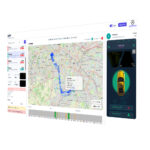
What you see when you log in to LFM. LockCar Fleet Monitoring Platform LFM Guide
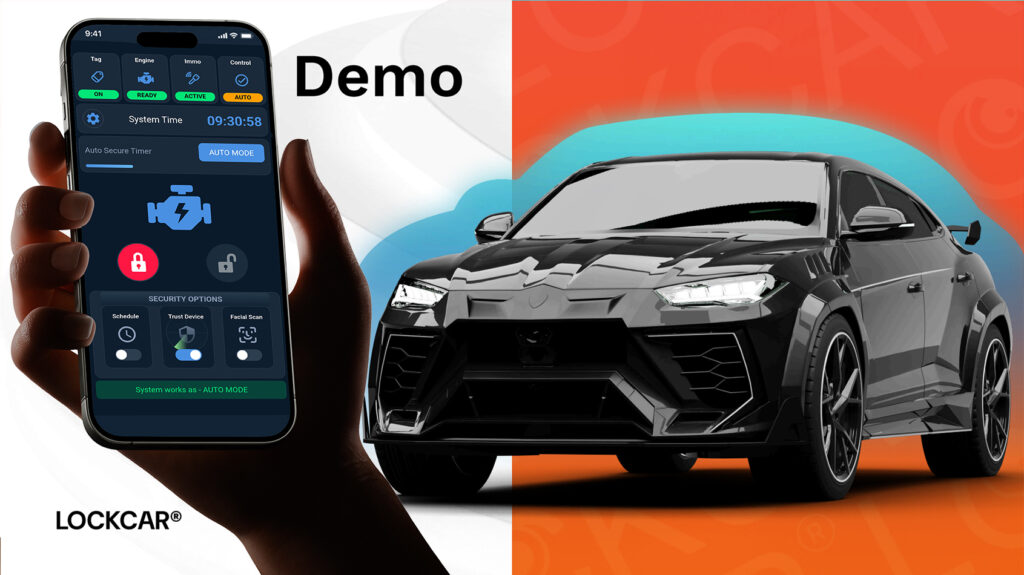
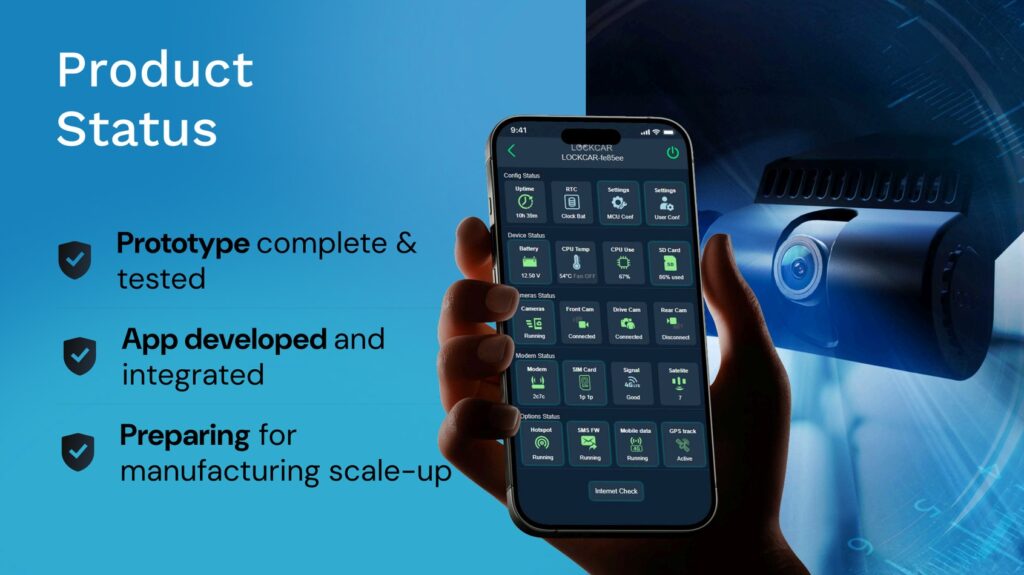
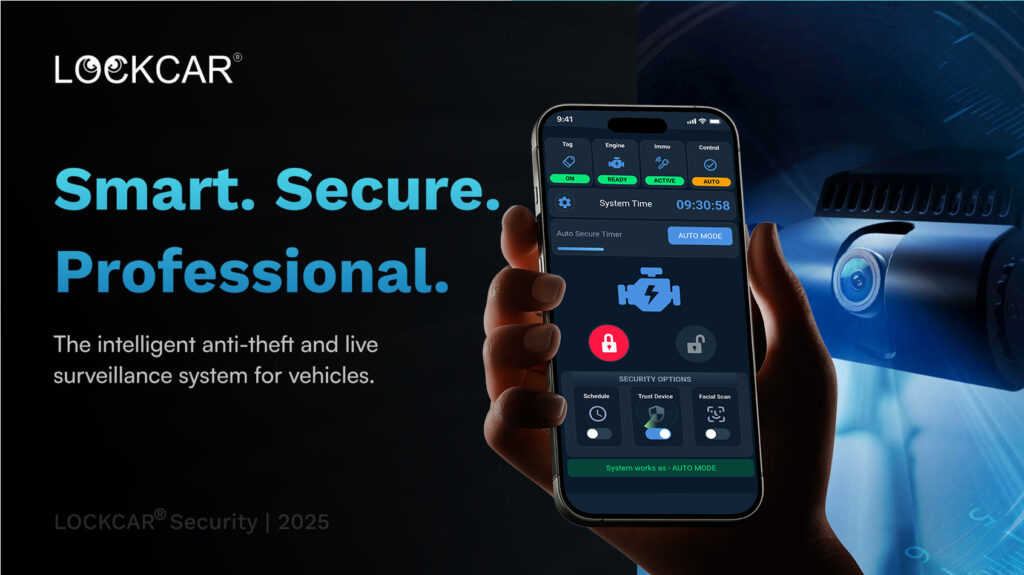
LFM brings the data from each vehicle’s LockCAR 4G system into one place. These are the screens you will use most.
- A live map of the whole fleet
- Every connected car and van appears on one map with its current position. Click a vehicle to open its own panel.
- A panel for each vehicle
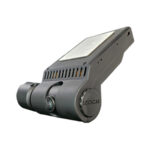
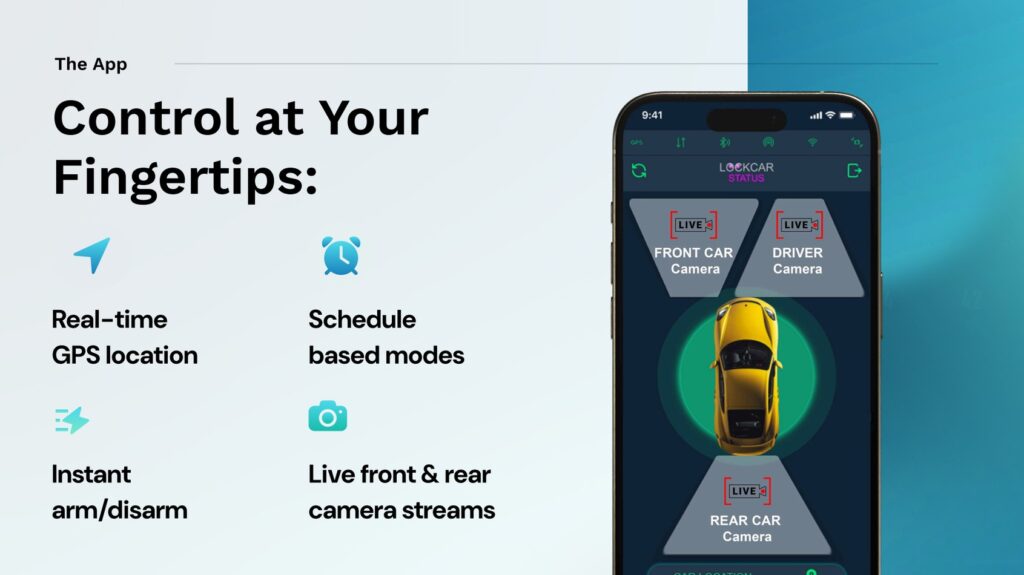
- The vehicle panel shows its immobilisation status and, on vehicles with a compatible LockCAR 4G dashcam, a live camera view.
- Journey history
- Each trip is stored with its route, time and distance. You can filter by vehicle and date and export the records.
- Driver behaviour reports
- Each vehicle gets its own record of harsh braking, rapid acceleration, speeding and idling, so a coaching conversation starts from what happened.
- Alerts outside set hours
- Draw geofences and set working hours. If a van crosses a boundary or starts moving after hours, an alert reaches you.
- The same view on your iPhone
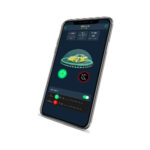
- The LFM iOS app gives you the map, alerts and vehicle controls when you are away from the office.
How remote immobilisation works in LFM
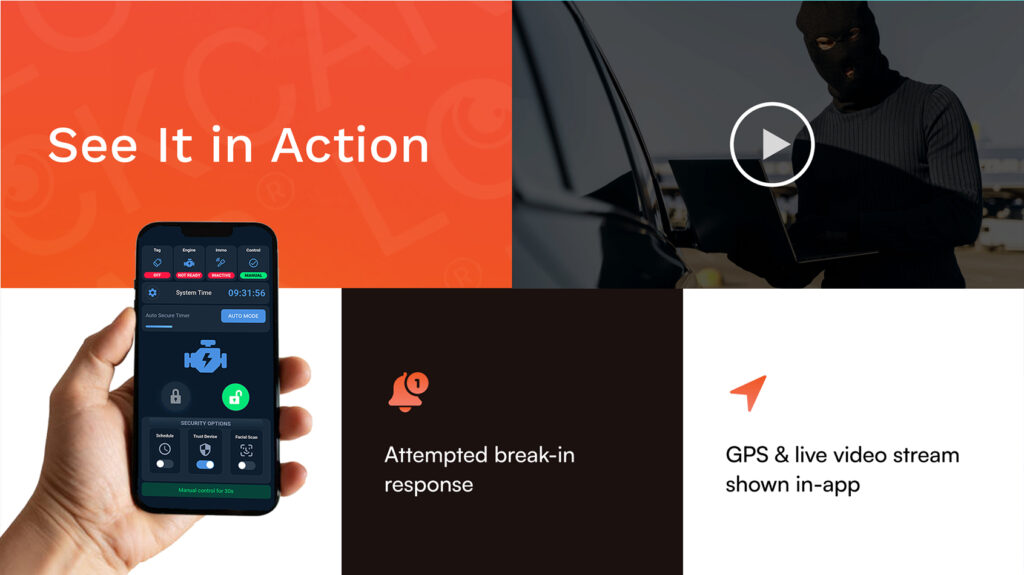
Remote immobilisation is for theft, unauthorised use and keeping a vehicle off the road while it waits for repair.
Pick the vehicle
Open the vehicle from the map or the fleet list. Remote immobilisation is available on vehicles with a compatible LockCAR 4G dashcam system.
Confirm the command
LFM asks you to confirm before anything changes, so a stray click cannot block a van that is out on a job.
Keep a record
Each remote command is logged with the time and the user who sent it, which helps when you review an incident later.
Which LockCAR hardware works with LFM
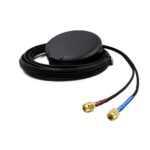
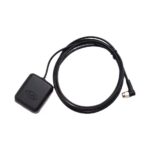
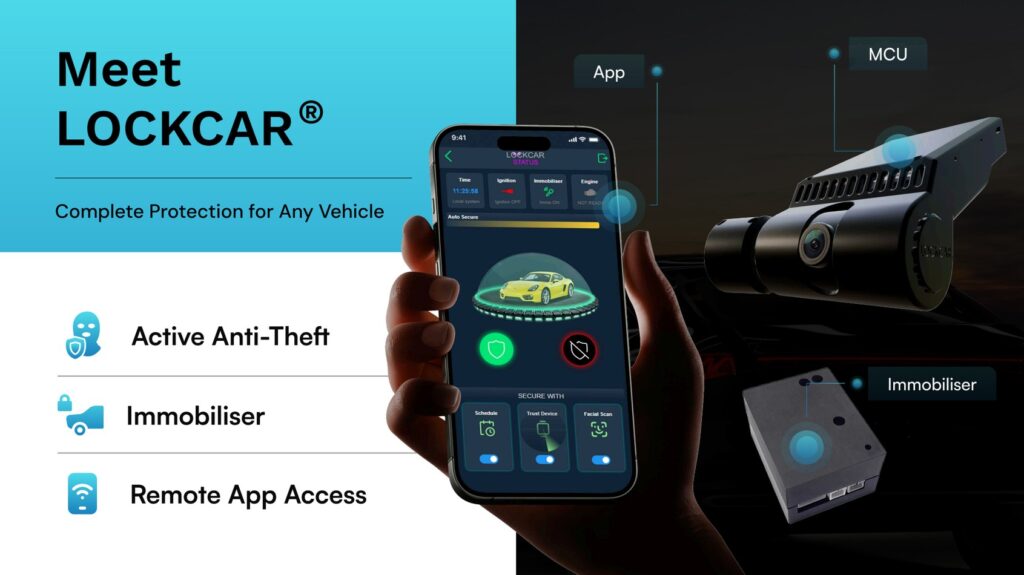
A vehicle needs a LockCAR 4G system with a GPS tracker to appear in LFM. The One and the standalone immobilisers protect a vehicle but do not report to the platform.
| Hardware | On the live map | Live camera in LFM | Remote immobilisation | Price fitted |
|---|---|---|---|---|
| LockCar One Plus 4G | Live position | Road-facing view | Available | £499 |
| LockCar Duo RH Plus 4G | Live position | Road and cabin views | Available | £699 |
| LockCar One | Not shown, no GPS | None | Not available | £450 |
| Fob (TAG) immobiliser | Not shown | None | Not available | £249 |
Mixed fleets are fine. Vans that need cabin recording can have the Duo RH Plus 4G while the rest use the One Plus 4G, and they all appear on the same map with the same reports.
How different fleets use LFM
The features are the same for every business. What changes is which screen you open first.
- Building and trade firmsSite vans stay visible during the day, and an alert outside working hours shows a vehicle leaving the yard at night.
- Couriers and delivery firmsExported journey history gives the time each vehicle reached an address, which helps settle missed-delivery disputes.
- Taxi and private hire operatorsThe Duo RH Plus 4G adds a cabin camera, and the live map shows where every car is between bookings.
- Service and maintenance teamsThe map shows who is nearest when an urgent job comes in, and reports show which vans idle the longest.
Before you talk to your insurer
Tell your insurer which vehicles carry trackers and immobilisers, and ask how they treat them for your policy. Our immobilisers do not hold Thatcham approval while Thatcham Security Certification is still in progress, so check with the insurer before treating them as a policy condition. LFM gives you records to discuss, such as journey history and driver behaviour reports, but it does not replace anything your insurer asks you to provide.
LFM questions from fleet managers
How many vehicles do I need for LFM?
The platform starts at five vehicles. Below that, fit a LockCar One Plus 4G to each one and add LFM when the fleet grows.
Do I need special software to use it?
No. The web dashboard runs in a browser, and the LFM iOS app covers the same fleet on an iPhone.
Can I export journey data for accounts or timesheets?
Yes. Pick the vehicle and the dates, and LFM exports each trip’s route, time and distance for your accounts team.
Which vehicles can be immobilised remotely?
Vehicles fitted with a compatible LockCAR 4G dashcam system, such as the One Plus 4G or the Duo RH Plus 4G.
Does LFM handle a mix of cars and vans?
Yes. Any vehicle fitted with a LockCAR 4G system appears on the same map, whether it is a company car, a van or a larger 24 V vehicle.
What does LFM cost?
Hardware is priced per vehicle with fitting included, from £499 for the One Plus 4G. LFM itself is priced per fleet, so ask us for a quote.
Do the vehicles have to come to you?
No. Installers can work through the fleet at your depot. Allow 60 to 90 minutes for each vehicle and schedule them one after another around the day’s jobs.

Written by the LockCAR engineering team. We design and build CAN bus immobilisers, GPS trackers and 4G dashcams in the UK and fit them through our approved installers. Meet the engineers. Last updated .