


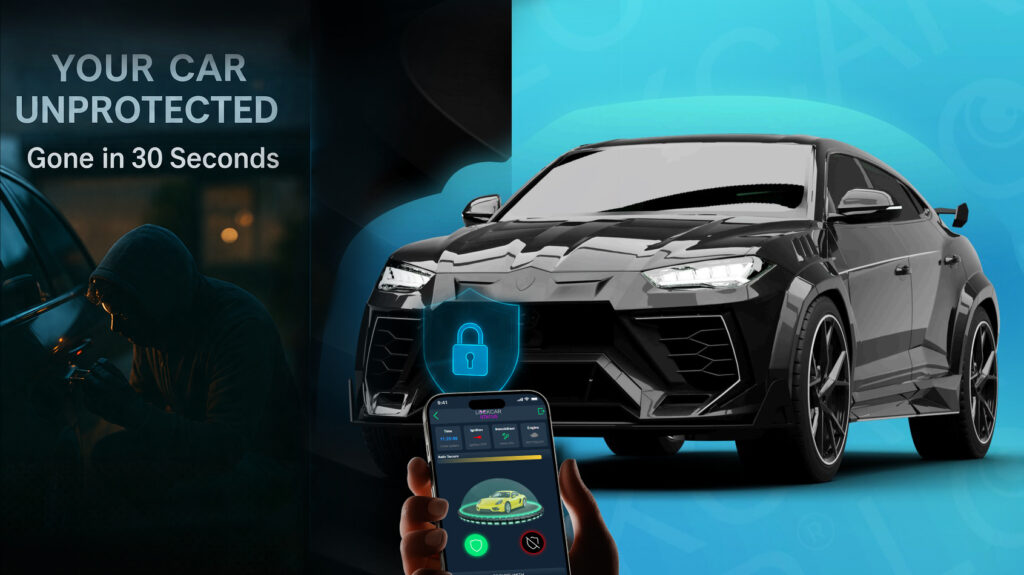


YOUR CAR
CAN BE STOLEN
in under 60 seconds with no alarm triggered
Ditching Paper: How to Switch to Digital Fleet Management
A practical, step-by-step plan for UK fleet operators moving from paper mileage logs, job sheets and vehicle checks to automatic digital records.
On this page
Paper still runs a surprising number of UK fleets: mileage logs filled in at the end of the month, vehicle checks ticked in a clipboard, job sheets that go missing in a van door. Each one costs time, invites errors and gives you very little to stand on when an insurer, a customer or HMRC asks questions. This guide explains what digital fleet management actually replaces, how to make the switch without disrupting your drivers, and what to put in place for data protection.
What paper fleet records cost you
Paper records fail in predictable ways. Mileage logs are often completed from memory, so business and private miles blur together – a problem for fuel reimbursement and for the records HMRC expects if you pay mileage allowance. Vehicle check sheets are sometimes filled in after the fact, which weakens them as proof that defects were spotted and reported. Job sheets cannot show when a van actually arrived or left, so disputes with customers come down to one person’s word against another’s.
There is also the admin time. Someone has to collect, read, type up and file every sheet, and chase the missing ones. For a fleet of ten vans, that can easily add up to several hours a week of work that software does automatically.
What digital fleet management replaces
| Paper task | Digital replacement | What you gain |
|---|---|---|
| Handwritten mileage log | Automatic GPS trip records | Accurate business mileage with start, end, route and distance |
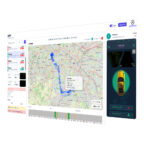
| Job sheet with arrival time | Location history and geofence alerts | Proof of time on site for billing and disputes |
| Manual depot sign-out | Geofence departure and return alerts | Know when vehicles leave and return without phone calls |
| Driver assessment notes | Driver behaviour reports | Objective data on harsh braking, acceleration and speeding |
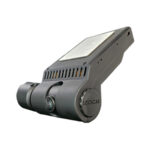
| Incident report form | Timestamped camera footage and GPS | Evidence to support insurance claims |
A trip record is created every time a vehicle moves, with no action needed from the driver. That single change removes most of the paperwork on its own.
How to switch in five steps
- List what you record today. Mileage, checks, job times, incidents – and who uses each record. This tells you which digital reports you actually need.
- Tell your drivers first. Explain what data is collected, why, who can see it and how long it is kept, before any hardware is fitted. This is both good practice and a data protection requirement (see below).
- Fit the hardware in batches. LockCar engineers can fit several vehicles at your depot in one visit, so vans are off the road for as little time as possible.
- Run paper and digital side by side for a month. Compare the two, fix any gaps, and let drivers see that the digital record matches reality.
- Retire the paper. Switch reports to the platform, set retention periods, and archive the old sheets.
Getting drivers on side
The biggest risk in any switch is driver resistance, and it is usually about trust. Be clear that GPS data is there to protect drivers as much as the business: it settles disputes about time on site, shows who was where when an incident happens, and backs drivers up against unfounded customer complaints. Where vehicles can be used privately, agree how private journeys are handled – for example, a privacy setting outside working hours.
Data protection: what you need in place
Vehicle tracking data linked to a driver is personal data under UK GDPR. The ICO’s guidance on monitoring workers expects employers to be transparent, to have a clear and proportionate purpose, and to keep data only as long as needed. In practice that means a written vehicle monitoring policy given to drivers before tracking starts, a data protection impact assessment for more intrusive monitoring such as driver-facing cameras, and a defined retention period. Our guide to GPS tracking laws in the UK covers this in more detail.
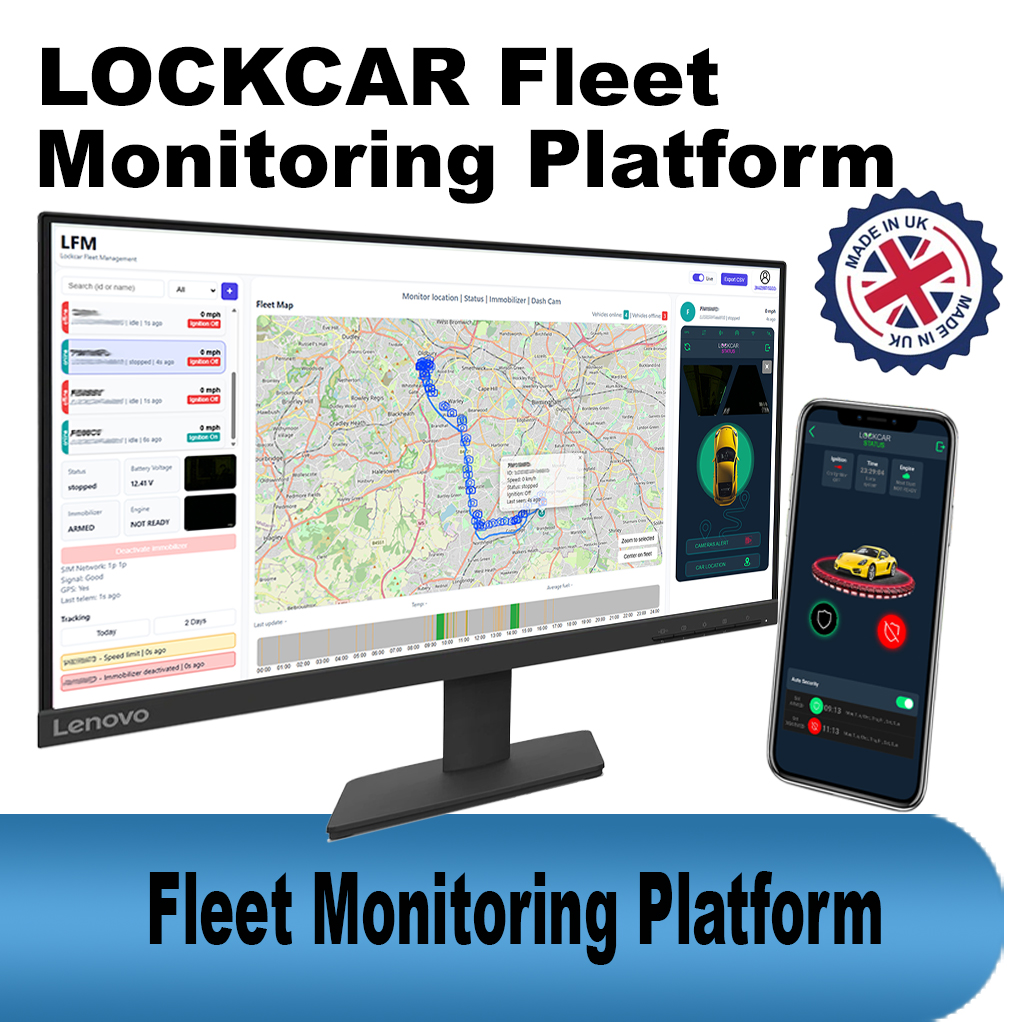
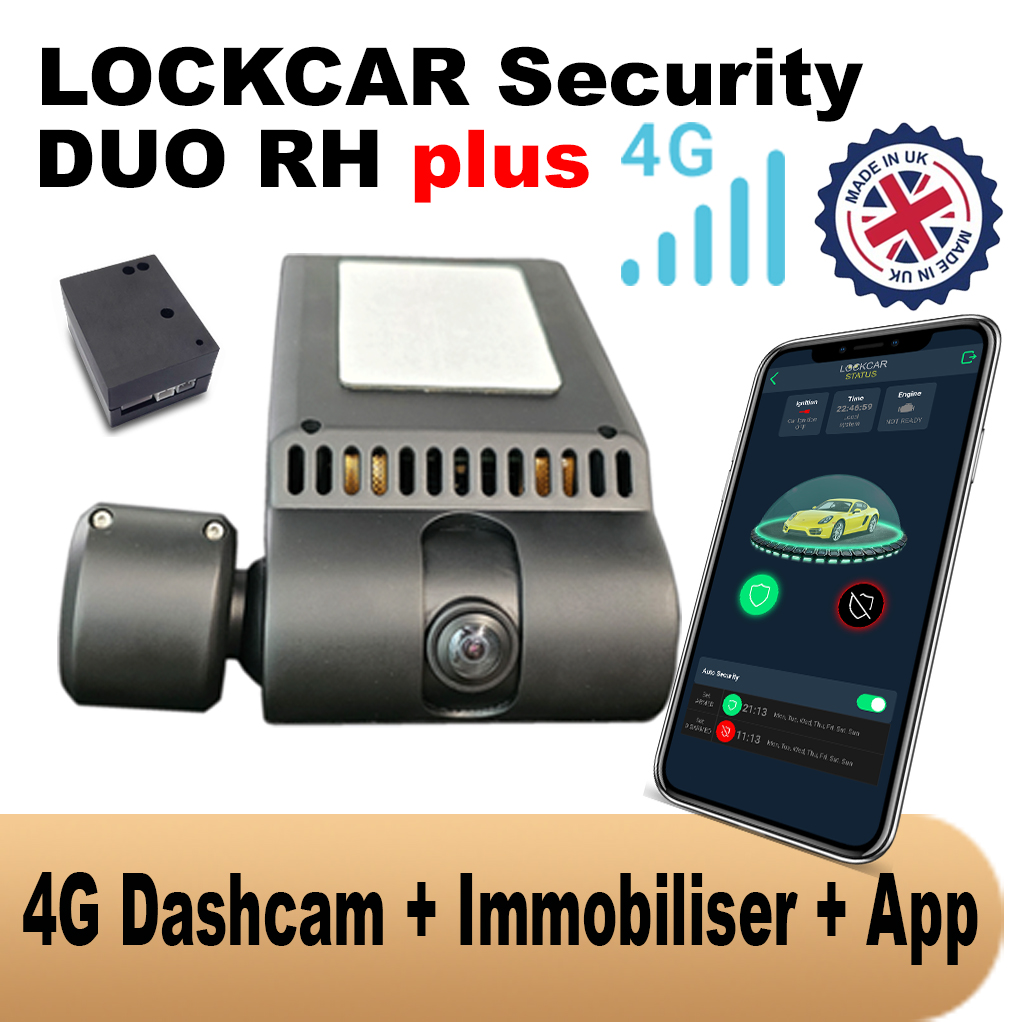
LockCar products for this
Related reading: fleet tracking trends in 2026 and aftermarket GPS vs factory tracking.
Questions and answers
Can GPS trip records replace a paper mileage log for HMRC?
Automatic trip records give you a far more accurate and complete log of dates, routes and distances than a paper diary. You still need to identify which journeys are business and which are private, so choose a system that lets drivers or managers classify trips, and check your specific obligations with your accountant.
Do I need my drivers’ consent to track company vans?
Consent is not usually the right lawful basis for employee monitoring. Most employers rely on legitimate interests, which means telling drivers clearly what is tracked and why, keeping the monitoring proportionate, and limiting how long data is kept.
How long does it take to switch a fleet to digital records?
Hardware can usually be fitted to several vehicles in a day at your depot. We recommend running paper and digital side by side for around a month before retiring paper completely.
Can I keep my old paper records?
Yes. Keep them for as long as your retention policy and legal obligations require, then dispose of them securely. New records are created digitally from the day hardware is fitted.
Talk to us about your fleet
UK-wide mobile installation · Batch fitting at your depot · Fleet pricing for 5+ vehicles
Message us on WhatsApp Call 07300 989091ask for a quote