

Vehicle security from
£199
Enter car's registration plate number to find the right LockCar security option
We could not pull the details automatically. Fill these in and we will carry on — it only takes a few seconds.
- Free, no obligation
- Fitted, not posted
- 12 months hardware warranty
Showing sample data — add your MOT History API credentials in the plugin settings to return real vehicles.
MOT history
Pick the level of protection
Every option is fitted by an approved installer. Choose one to see the exact devices.
Immobilisers only for
Hidden engine block. Nothing to see, nothing to record.
CAN BUS Immobiliser
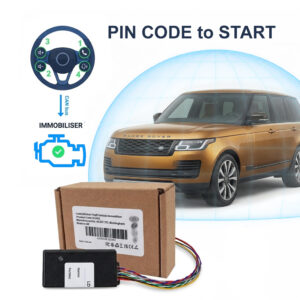
PIN CODE Car Immobiliser LockCar CAN-IMMO – Free Fitting
£299.00 £350.00
PIN CODE to START – NO PIN. NO START – LOCKCAR CAN-IMMO Immobiliser – Smart Advanced CAN Bus Vehicle Immobiliser – entering the PIN CODE each startup
App + Tag Immobiliser
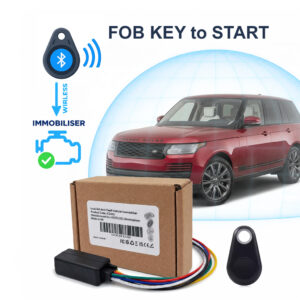
TAG FOB Car Immobiliser LockCar IC3262 TAG Immobiliser
£199.00 £250.00
TAG FOB KEY to START – NO FOB. NO START – LOCKCAR IC3262 Immobiliser – Smart Immobiliser – authorizes the car to start if it detects the fob…
Immobilisers + Dashcams for
Block the theft and record what happens around the car.
Dashcam + Immobiliser + App
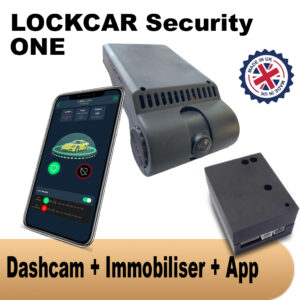
Dashcam + Immobiliser LockCar One – Free Fitting
£450.00 £550.00
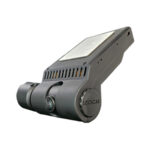
LockCar ONE is a professional dash camera with 24/7 monitoring, SD recording, and smart immobiliser integration. Built for security, durability, and total control in the UK.
Dashcam + Immobiliser + App
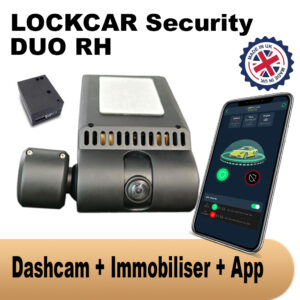
Dashcam + immobiliser Lockcar Duo Rh – Free Fitting
£550.00 £650.00
Local MCU system security. Power ON 24/7. Smart parking mode. Local car status, Immobilization, Local GPS Traking, Local Cameras Front + Driver. FREE UK INSTALLATION
4G Live Dashcams + Immobilisers for
Live view and alerts from anywhere, plus the engine block.
4G + Dashcam + Immobiliser + App
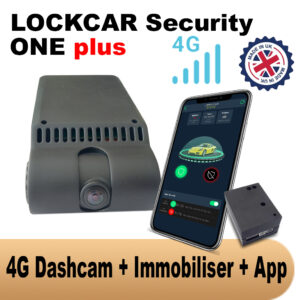
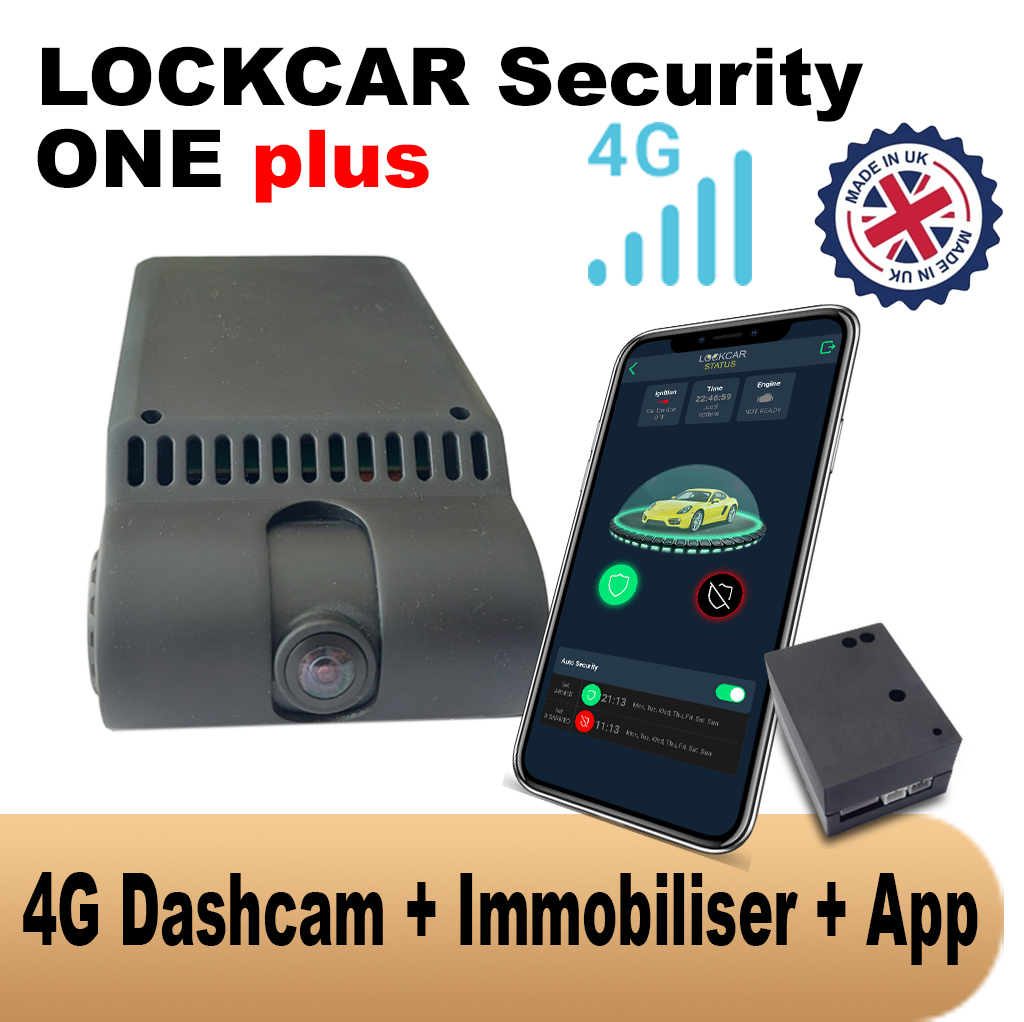
Dashcam + Immobiliser + Tracker LockCar One Plus 4G- Free Fitting
£499.00 £600.00
LockCar One Plus is 4G remote access and intelligent immobiliser. Designed for modern threats, this advanced anti-theft system allows you to monitor and control your car from anywhere,…
4G + Dashcam + Immobiliser + App
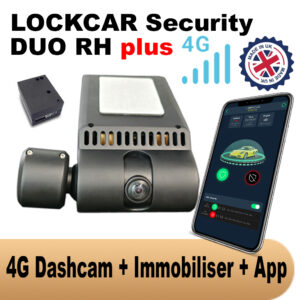
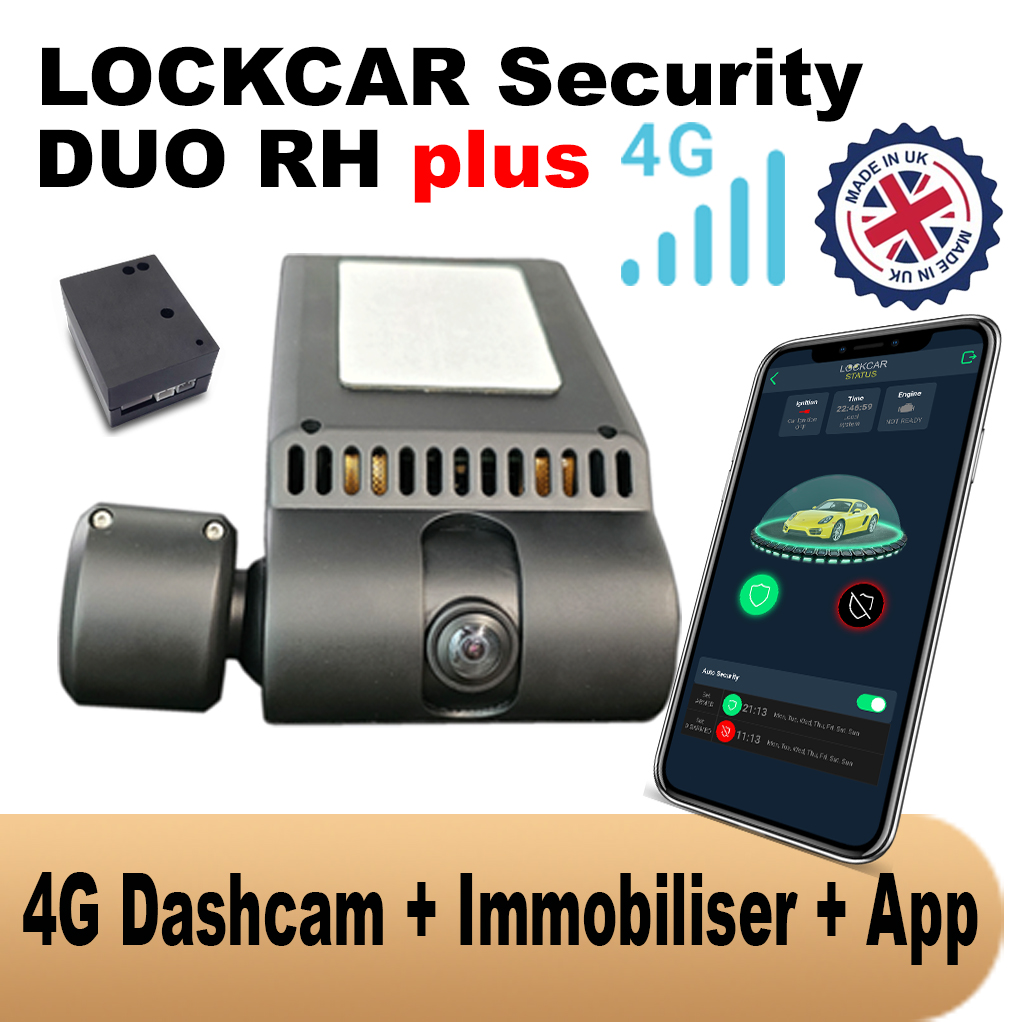
4G Daschcam + Immobiliser + Tracker Lockcar Duo Rh Plus 4G – Free Fitting
£699.00 £750.00
Remote access via 4g permanently. Power ON 24/7. Smart parking mode. Real-time car status, Immobilization, Real-time GPS Traking, Live Cameras Front + Driver. FREE UK INSTALLATION
Where should we fit it?
We come back with the theft method known for your model, what we would fit, the price with fitting, and the nearest slot to you. One message, no sales calls.
Got it – check your inbox
We have your registration and what you picked. We will come back to you shortly.
Message us on WhatsAppGPS tracking on your mobile, the LockCar app guide for iOS and Android
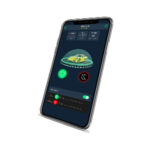
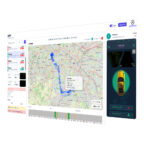
LockCar’s GPS tracking capability is primarily accessed through the LockCar iOS and Android mobile apps. The app provides real-time vehicle location on a map, live camera streaming from dashcam-equipped systems, movement and geofence alerts, remote immobilisation for 4G systems, and journey history. This guide explains how to get the most from GPS tracking on your mobile with LockCar.
LockCar’s GPS tracking capability is primarily accessed through the LockCar iOS and Android mobile apps. The app provides real-time vehicle location on a map, live camera streaming from dashcam-equipped systems, movement and geofence alerts, remote immobilisation for 4G systems, and journey history. This guide explains how to get the most from GPS tracking on your mobile with LockCar.
LockCar app key features
Real-time map view shows the vehicle’s current GPS position, updated every few seconds while the vehicle is moving or at configurable intervals when stationary. Tap any vehicle icon to open the detail view showing current speed, heading, ignition status, and immobiliser status.
Movement alerts are configured in the app. When the vehicle moves while the immobiliser is armed, a push notification is sent immediately to your phone. Geofence alerts notify you when the vehicle enters or leaves any defined zone. These alerts wake the phone even if the app is not open in the foreground.
Live camera view streams the current forward-facing (and driver-facing on Duo systems) camera feed directly to your phone. This allows you to visually verify what is happening at the vehicle location in real time.
Setting up GPS tracking on your mobile
After LockCar installation, download the LockCar app from the App Store (iOS) or Google Play (Android). The installation engineer provides your login credentials and walks through the initial app setup during the installation appointment.
Configure your movement alert thresholds, geofence zones, and notification preferences in the app settings. Test the alerts by having a second person move the vehicle while you monitor the app. Configure the geofence boundary around your home or regular parking location.
Multiple users and fleet use
LockCar apps support multiple user accounts per vehicle, allowing family members or business co-owners to each receive alerts and view the vehicle’s location independently. For fleet operators managing multiple vehicles, the LFM iOS App provides a fleet-level view of all vehicles from a single interface.
LockCar recommended products

How long does LockCar installation take?
Installation typically takes 60 to 90 minutes at your location. Our mobile engineer brings all parts and tests everything before leaving. Full documentation provided.
Does LockCar cover my area?
LockCar mobile service covers the entire UK with same-day and next-day appointments available in most areas. WhatsApp or call us to confirm availability.
Will LockCar interfere with my factory electronics?
No. LockCar uses vehicle-specific wiring procedures. All factory functions continue to operate exactly as before installation.
Can I get insurance documentation after fitting LockCar?
Yes. Every installation comes with a full certificate for your insurer including device serial number, date, vehicle registration, and technical description.
Book or enquire today
All vehicles, UK-wide mobile service, same-day available
WhatsApp to book Call usUK-wide