

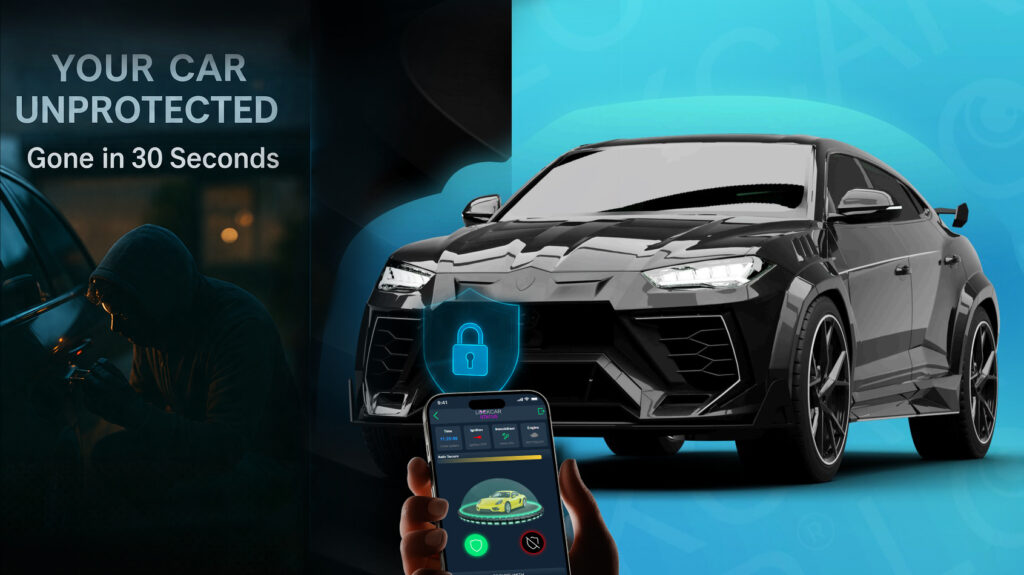

YOUR CAR
CAN BE STOLEN
in under 60 seconds with no alarm triggered
Dash cam loop recording on UK roads, how it works and how to get the most from it
Loop recording is the standard operating mode for all dashcams, allowing the device to record continuously without filling the SD card indefinitely. Understanding how loop recording works, how clip length affects footage availability, and how LockCar’s cloud upload capability changes the loop recording picture for security-critical applications.
Loop recording is the standard operating mode for all dashcams, allowing the device to record continuously without filling the SD card indefinitely. Understanding how loop recording works, how clip length affects footage availability, and how LockCar’s cloud upload capability changes the loop recording picture for security-critical applications.
How loop recording works
Loop recording is a continuous recording mode in which the dashcam records to a series of short video clips, typically one, two, or three minutes each, stored sequentially on the SD card. When the SD card is full, the dashcam automatically deletes the oldest clip and records a new one in its place, creating a continuously rolling record of the most recent footage. The result is that at any given time, the SD card contains the most recent hours or days of footage, depending on card capacity and clip length.
The practical implication of loop recording is that footage older than the SD card capacity will be overwritten and lost. For a 64GB card recording at typical dashcam quality settings, the loop cycle might be eight to twelve hours of driving footage. Extended parking periods reduce the available driving footage because parking mode recording also consumes card space.
Incident protection recordings are a key feature of good dashcam systems. When the dashcam detects a significant G-force event, such as a collision or hard braking, it automatically locks the current clip to prevent it from being overwritten by the loop. Locked clips are retained on the card until manually deleted, ensuring that accident footage is preserved through subsequent driving cycles.
Cloud upload and loop recording
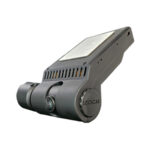
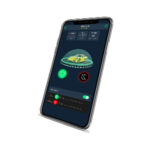
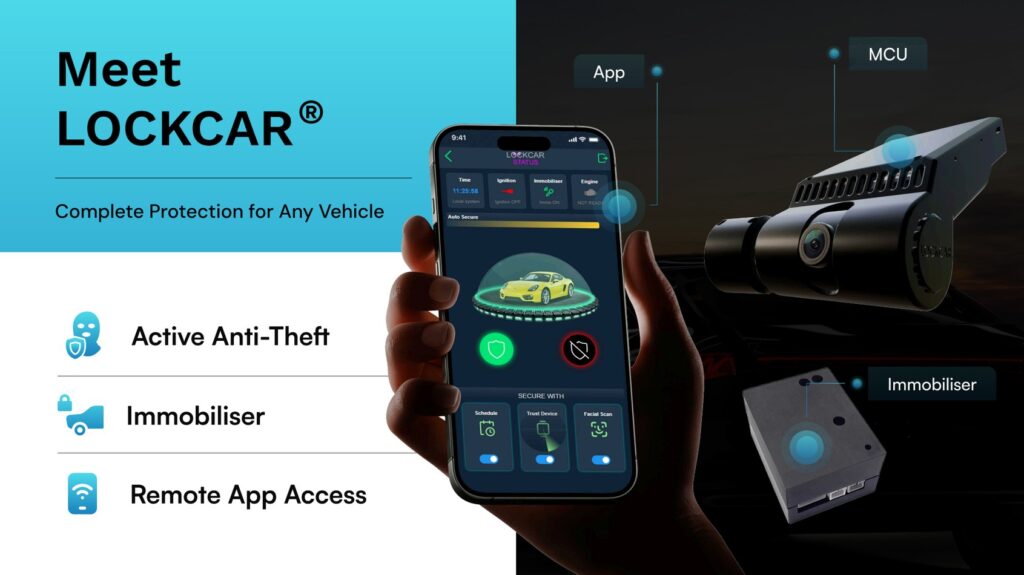
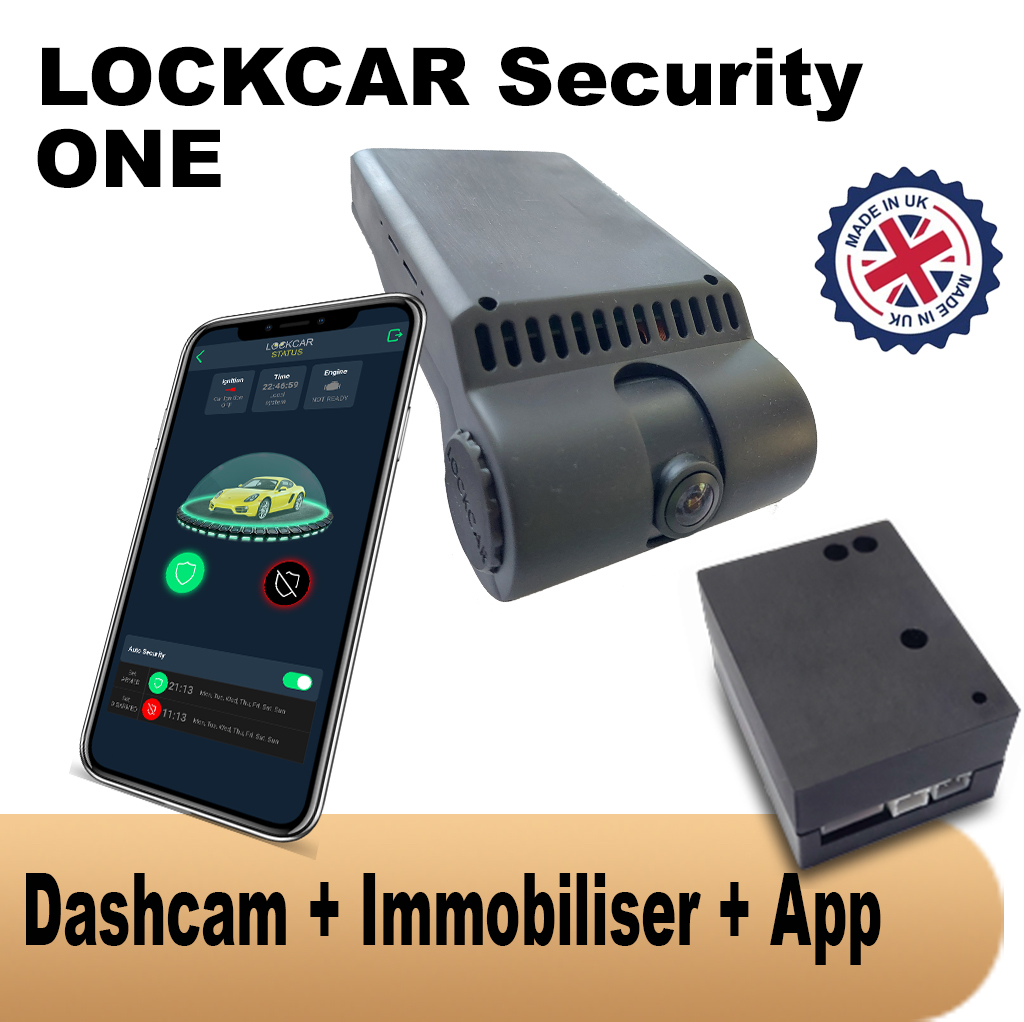
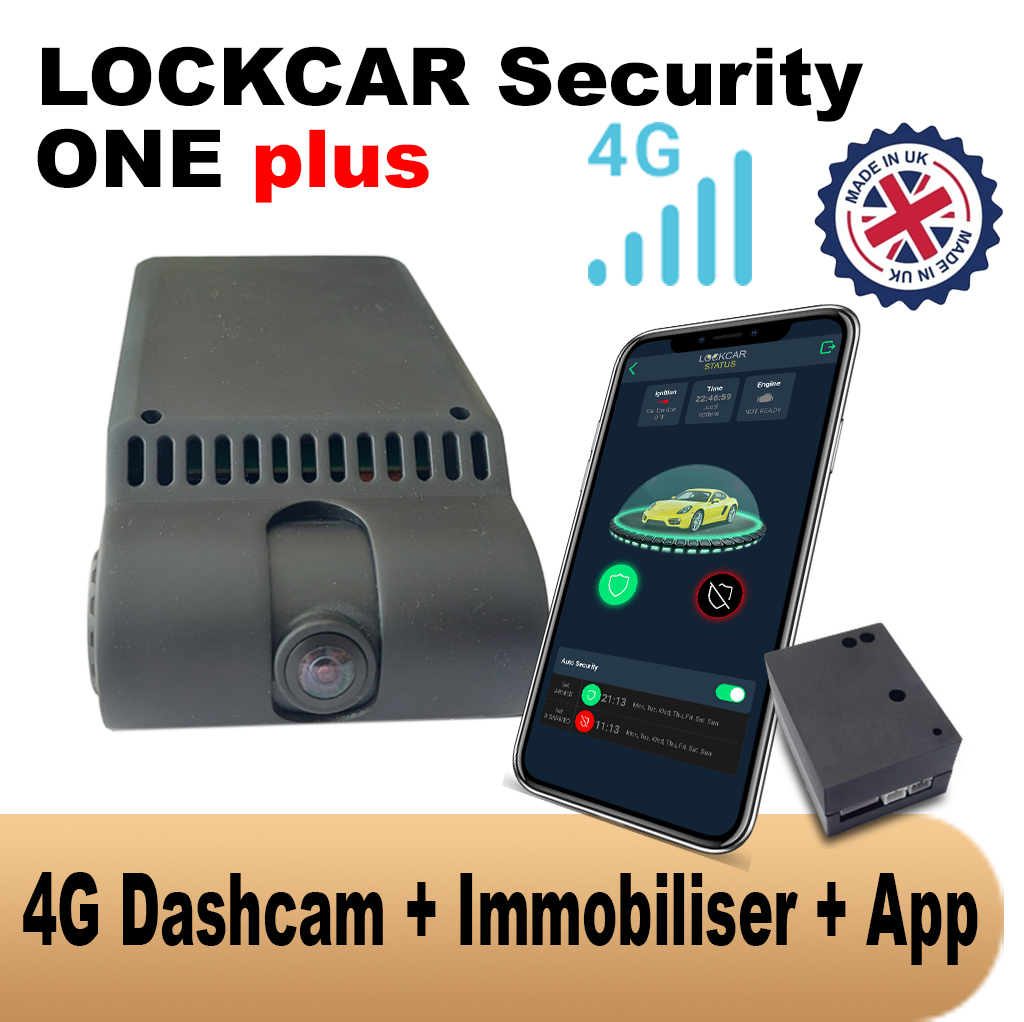
LockCar’s 4G-connected dashcam systems, specifically the One Plus and Duo RH Plus, upload footage to the cloud continuously alongside local SD recording. This changes the loop recording dynamic significantly. Even if a relevant event occurs and the SD card subsequently loops through the footage, the cloud copy is already preserved and accessible from the LockCar app.
Cloud upload is particularly important for theft scenarios. If a dashcam records a relay attack attempt and the thief then steals the vehicle along with the dashcam, the local SD footage is gone. Cloud-uploaded footage from the moments before theft is already preserved on the server and available to the vehicle owner and police as evidence, regardless of what happens to the physical device.
LockCar recommended products
How long does LockCar installation take?
Installation typically takes 60 to 90 minutes at your location. Our mobile engineer brings all parts and tests everything before leaving. Full documentation provided on the same day.
Does LockCar cover my area?
LockCar mobile service covers the entire UK with same-day and next-day appointments available in most areas. WhatsApp or call us to confirm availability.
Will LockCar interfere with my factory electronics?
No. LockCar uses vehicle-specific wiring procedures. All factory functions continue to operate exactly as before installation.
Can I get insurance documentation after fitting LockCar?
Yes. Every installation comes with a full certificate for your insurer including device serial number, date, vehicle registration, and technical description. Accepted by the majority of UK insurers.
Book or enquire today
All vehicles, UK-wide mobile service, same-day available
WhatsApp to book Call usUK-wide