
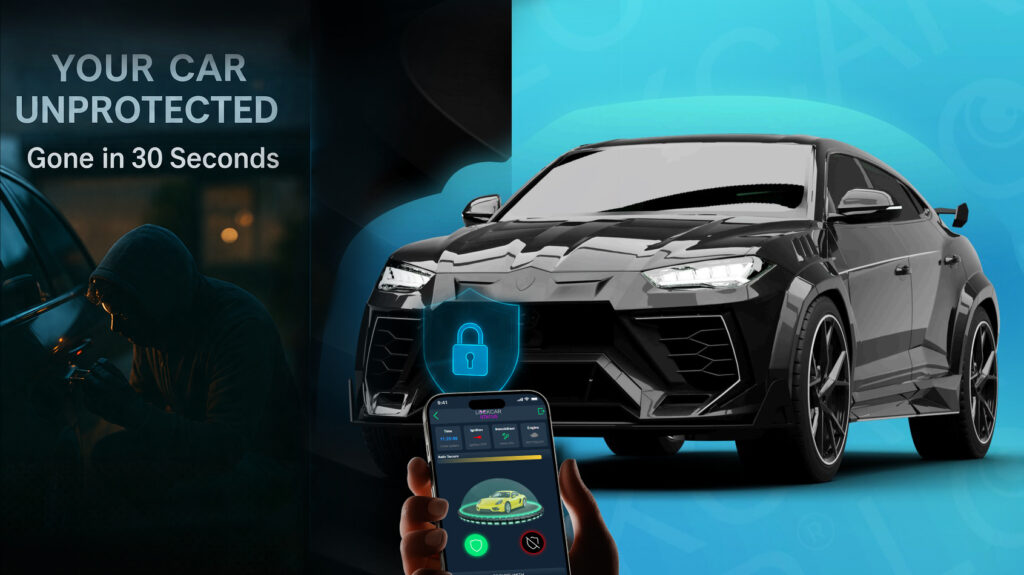
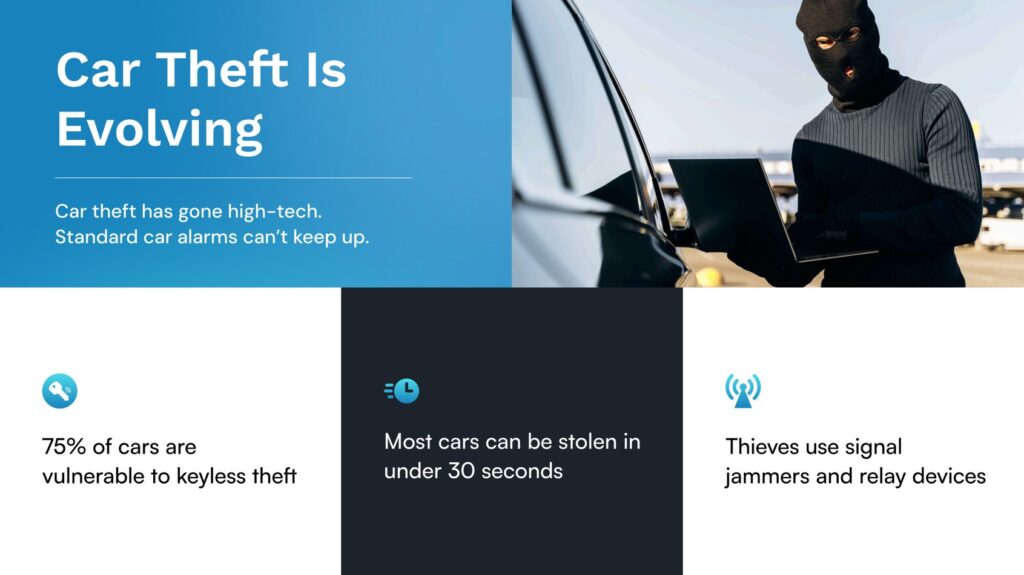
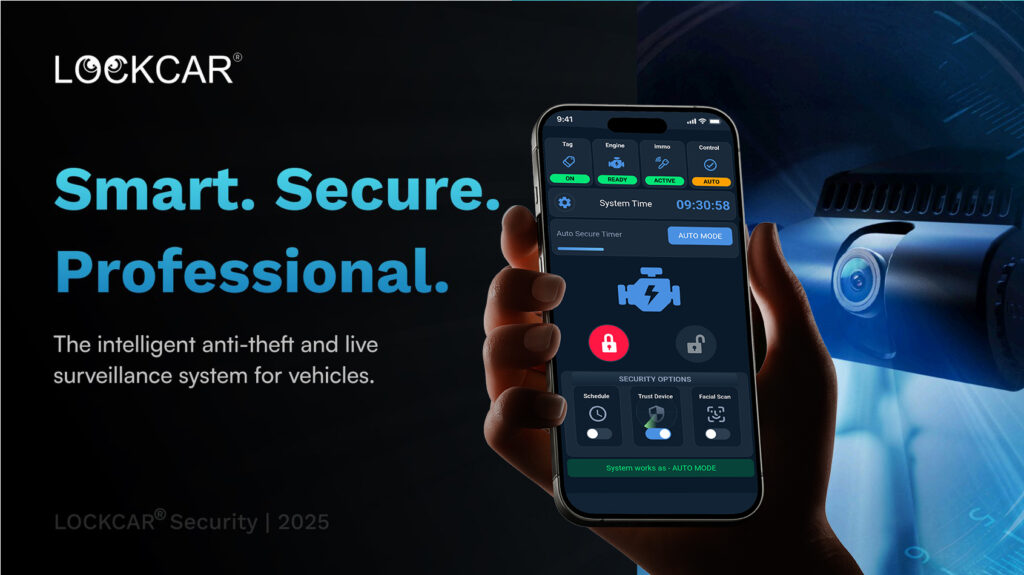
YOUR CAR
CAN BE STOLEN
in under 60 seconds with no alarm triggered
LockCar app guide – control your vehicle security from your phone
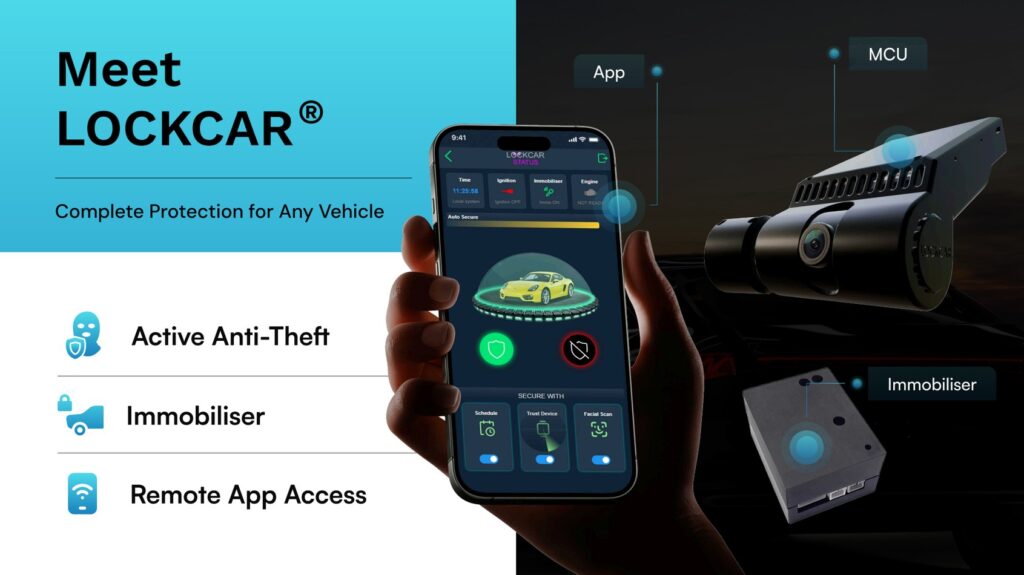
LockCar provides three dedicated mobile applications covering individual vehicle owners, fleet managers, and standalone immobiliser users. From arming and disarming your immobiliser to viewing a live camera feed on a vehicle parked 300 miles away, the LockCar apps bring full vehicle security control to your smartphone. This guide explains what each app does, which one you need, and how they work together.
On this page
A vehicle security system is only as useful as the visibility it provides. A dashcam that records to an SD card you never review, or an immobiliser that arms and disarms without feedback, leaves the owner in the dark about what is actually happening around their vehicle. LockCar’s app ecosystem changes this fundamentally – every armed state, every movement event, every camera frame is accessible from your phone in real time, giving you situational awareness of your vehicle whether you are in the next room or on a different continent.
The three LockCar apps explained
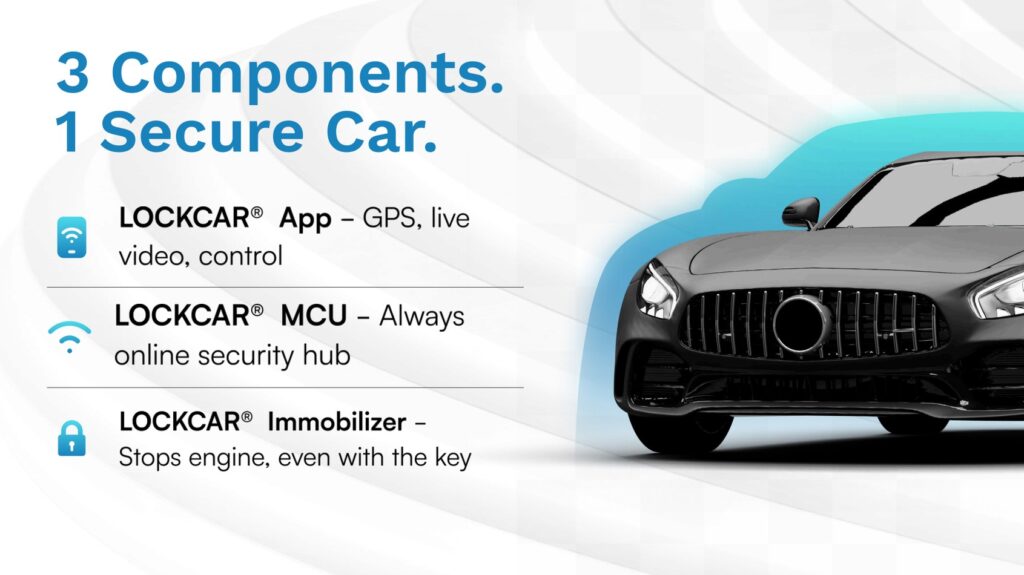
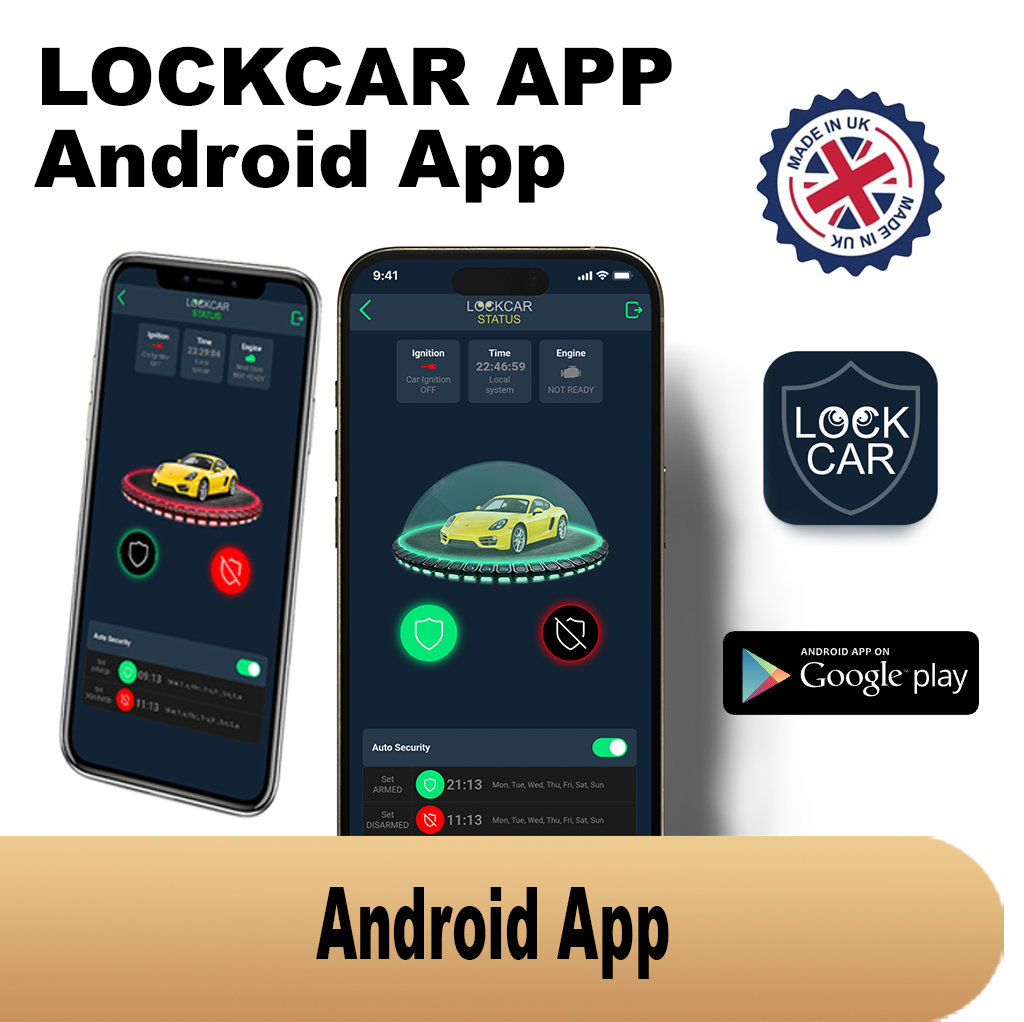
LockCar provides three distinct mobile applications, each designed for a specific user role. Understanding which app you need depends on your LockCar hardware and how you use it. The three apps are: the LockCar Android App (Google Play), the LockCar iOS App (App Store), the LockCar IMMO App (standalone immobiliser control), and the LFM iOS App (fleet management platform). The Android and iOS apps are functionally equivalent – same features, different platforms. The IMMO App is a separate interface for standalone immobiliser systems. The LFM App is for fleet administrators.
LockCar Android & iOS App – feature guide
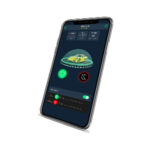
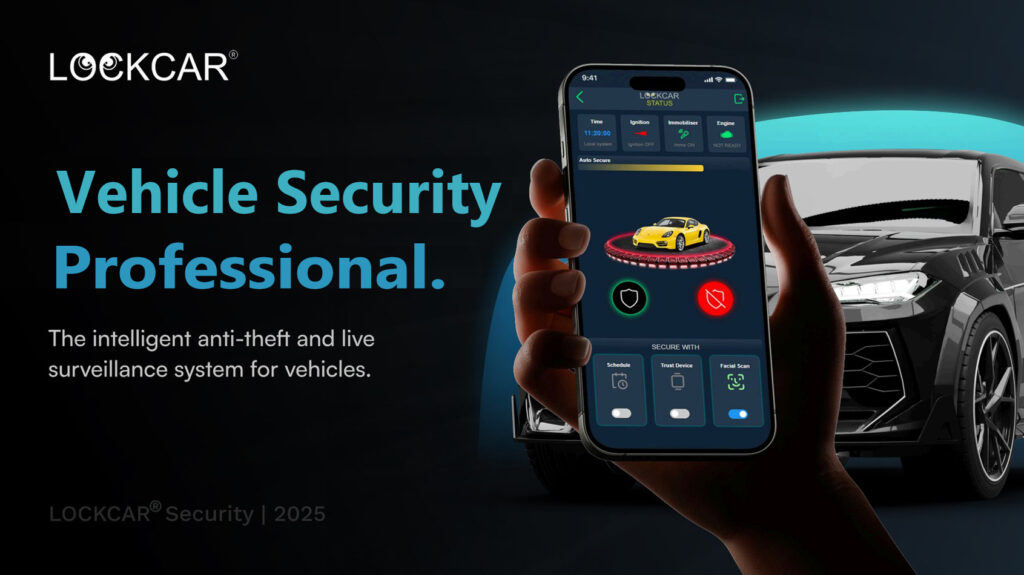
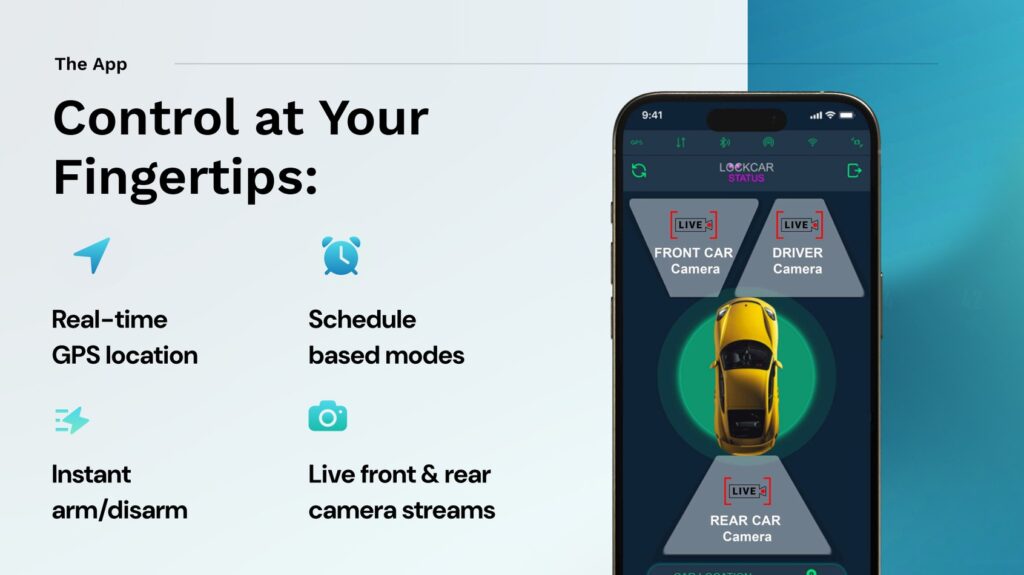
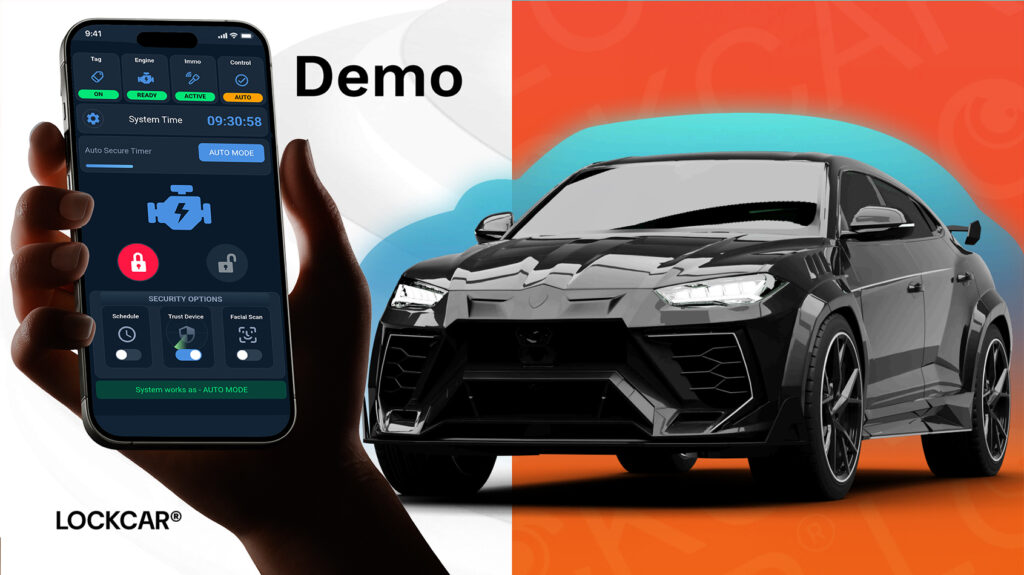
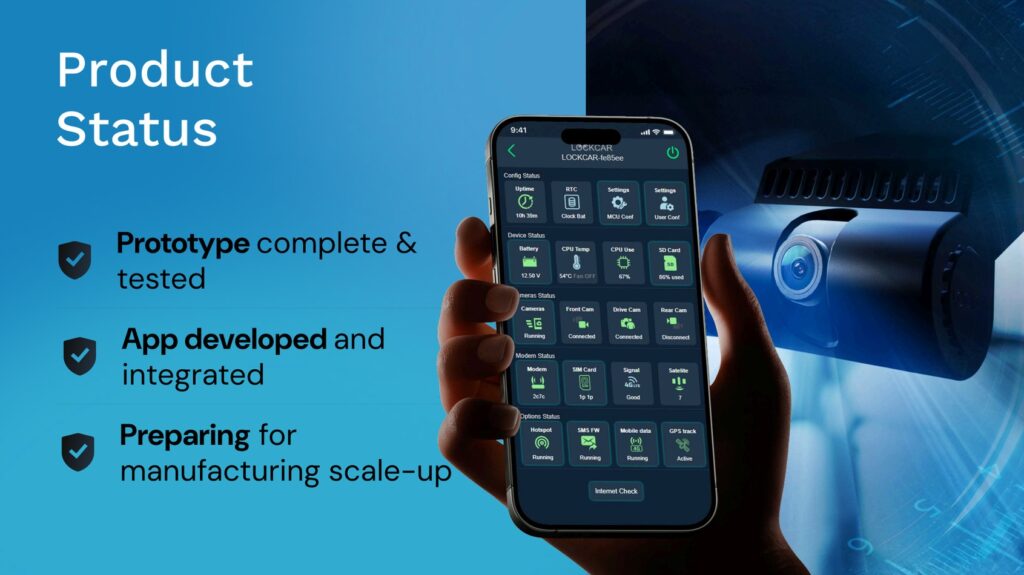
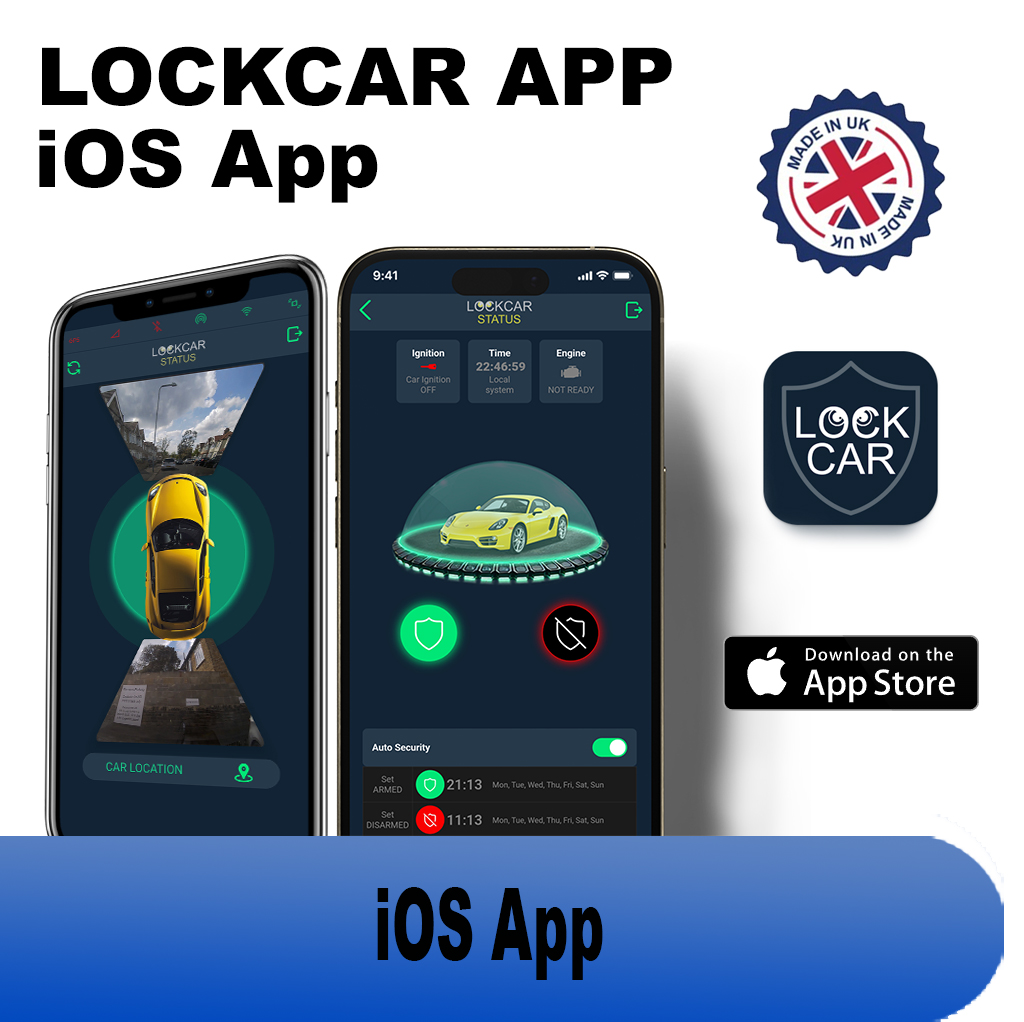
The main LockCar app is the primary interface for owners of LockCar ONE, One Plus, Duo RH, and Duo LH systems. It provides a real-time dashboard showing your vehicle’s current status: immobiliser armed or disarmed, GPS location on a live map, camera feed (on 4G models), and a log of recent events including arm/disarm, motion detection, and alert history.
The GPS tracking feature shows your vehicle’s position on a map with historical route overlay. You can review where your vehicle has been, how long it was at each location, and its current position – updated as frequently as every few seconds on 4G models. This is accessible from anywhere in the world with an internet connection, making it invaluable for monitoring vehicles that are used by family members, employees, or that are parked in locations you cannot physically check.
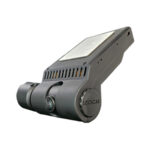
Live camera access – available on One Plus and Duo models – lets you open a real-time video stream from your vehicle’s camera directly within the app. If you receive a movement alert at 2am, you can immediately view what is happening at your vehicle rather than relying on delayed footage review. The camera stream quality adapts to your data connection speed and is protected by end-to-end authentication.
LockCar IMMO App – standalone immobiliser control
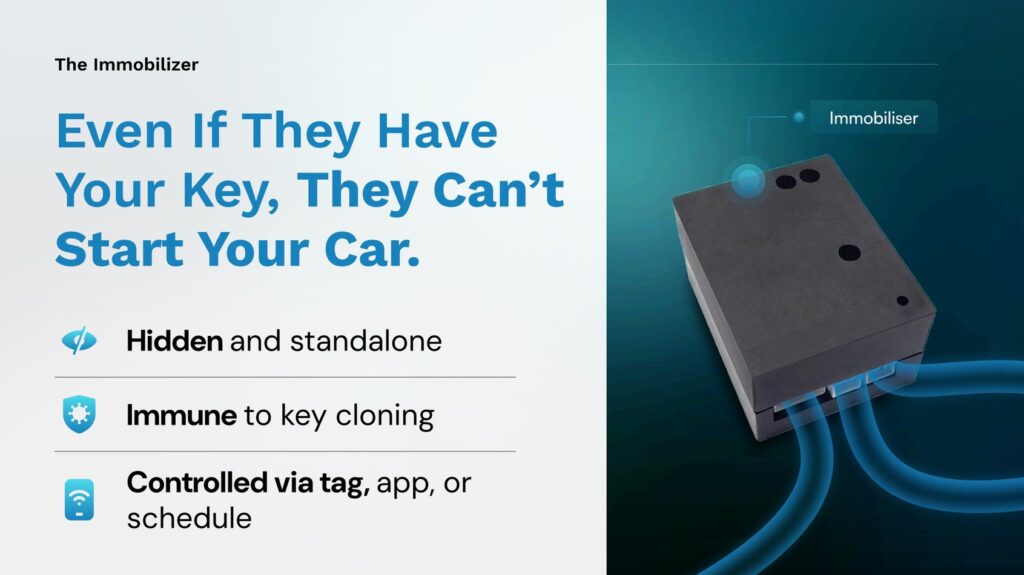
The LockCar IMMO App is designed for users of standalone immobiliser systems – the IC3ST, IS357, and similar standalone models that do not require a full LockCar MCU unit. It provides a direct communication interface between your smartphone and the immobiliser device via the encrypted Wi-Fi connection, allowing you to arm and disarm the immobiliser remotely, check its status, configure settings, and receive notifications when the immobiliser state changes.
The IMMO App is the backup authentication method for standalone systems – if you are not carrying your proximity tag, you can use the app to disarm the immobiliser before entering the vehicle. This provides redundancy against the scenario where you forget your tag or it runs out of battery.
LFM iOS App – fleet management
The LFM iOS App is the mobile interface for the LockCar Fleet Monitoring Platform. It provides fleet administrators with a multi-vehicle map view showing the current GPS position of every LockCar-equipped vehicle in the fleet, camera access for individual vehicles, immobilisation controls, trip history review, and alert management for the entire fleet. The LFM App is designed for fleet managers who need to oversee operations while away from their office desktop.
Alerts and notifications
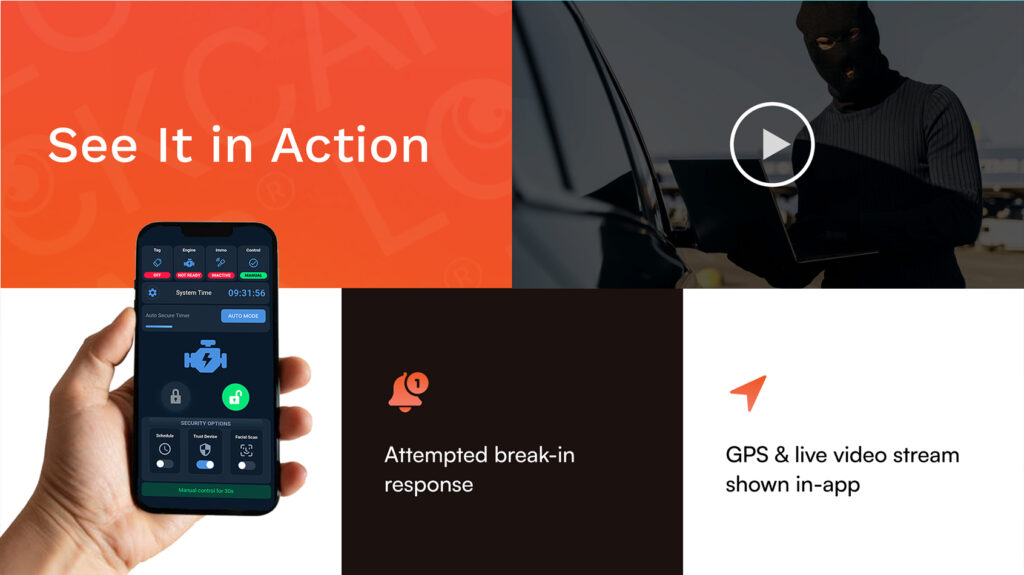
The LockCar app sends push notifications for the following events: unexpected vehicle movement while the immobiliser is armed, impact detected by the dashcam’s G-sensor, immobiliser arm or disarm events (configurable – useful for fleet managers monitoring driver activity), low proximity tag battery warning, and 4G connectivity loss (useful for detecting if a device has been tampered with or moved to a signal-blocked environment).
Alerts can be configured to include different notification types for different event categories – silent notifications for routine events, audible alerts for security-critical events. Multiple user accounts can be set up so that a vehicle owner and a family member, or a fleet manager and a depot supervisor, both receive relevant alerts for the same vehicle.
Remote immobilisation from the app
On LockCar One Plus and Duo Plus models, the app provides a remote immobilisation function. This allows you to close the relay break remotely – preventing the engine from being restarted after it has been switched off – from anywhere with an internet connection. This function is designed primarily for tow-away theft scenarios where the vehicle is moved without the engine running, or for situations where you want to prevent a vehicle from being started at a specific time (for example, if a vehicle has been left with a mechanic and you want to confirm it cannot be moved until you release it).
LockCar hardware that works with the apps
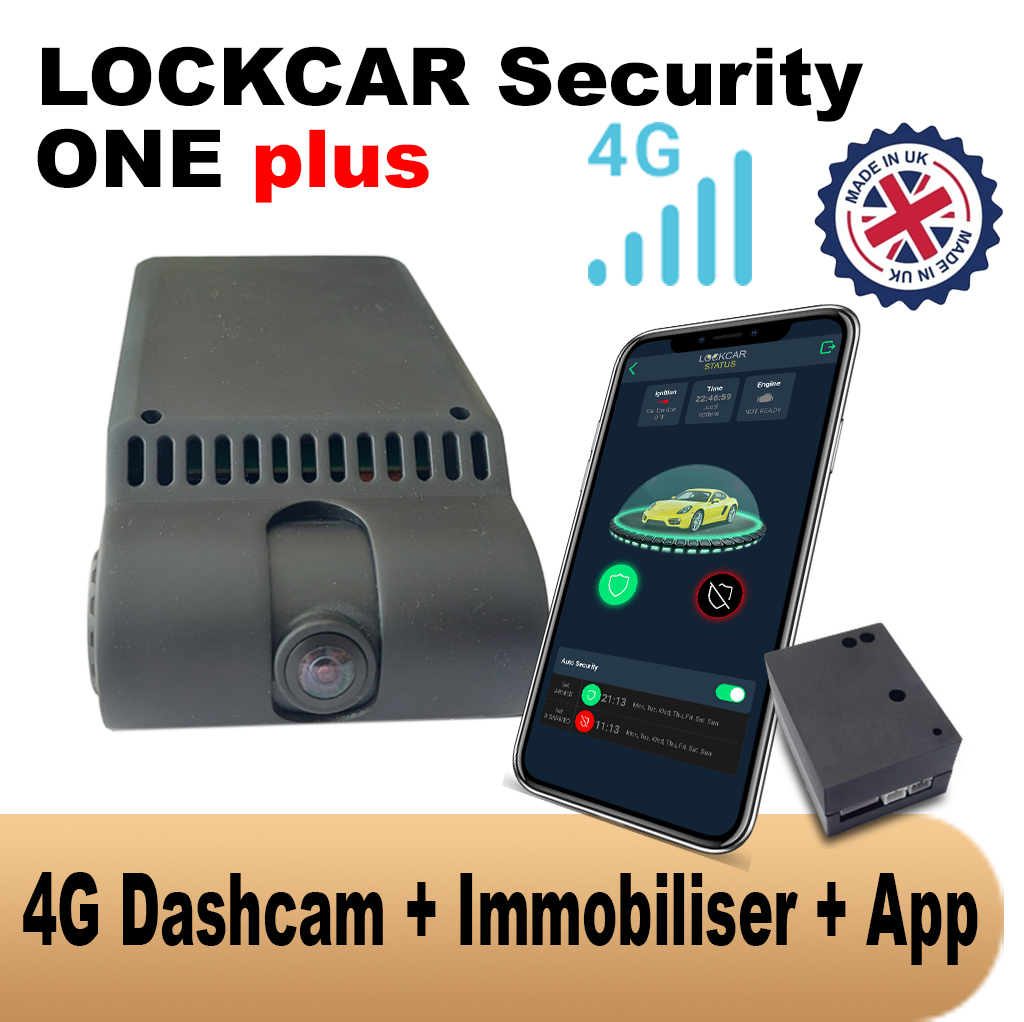
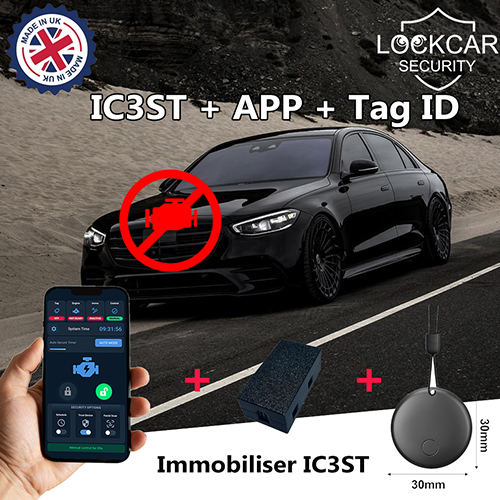
Is the LockCar app free to download and use?
The LockCar Android App, LockCar iOS App, LockCar IMMO App, and LFM iOS App are all free to download. App functionality requires compatible LockCar hardware to be installed in your vehicle. 4G-connected features require an active data SIM in the LockCar One Plus or Duo Plus units.
Can my partner or employee also have access to the LockCar app for the same vehicle?
Yes. Multiple user accounts can be linked to a single vehicle in the LockCar app system. Each user has their own login. The vehicle owner or fleet administrator controls access and can add or remove authorised users at any time.
Does the LockCar app work internationally?
The LockCar app works over any internet connection – 4G, Wi-Fi, or broadband – regardless of the user’s physical location. You can monitor your vehicle and receive alerts from anywhere in the world. The vehicle hardware requires 4G coverage in its local area for real-time updates.
What is the difference between the LockCar IMMO App and the main LockCar app?
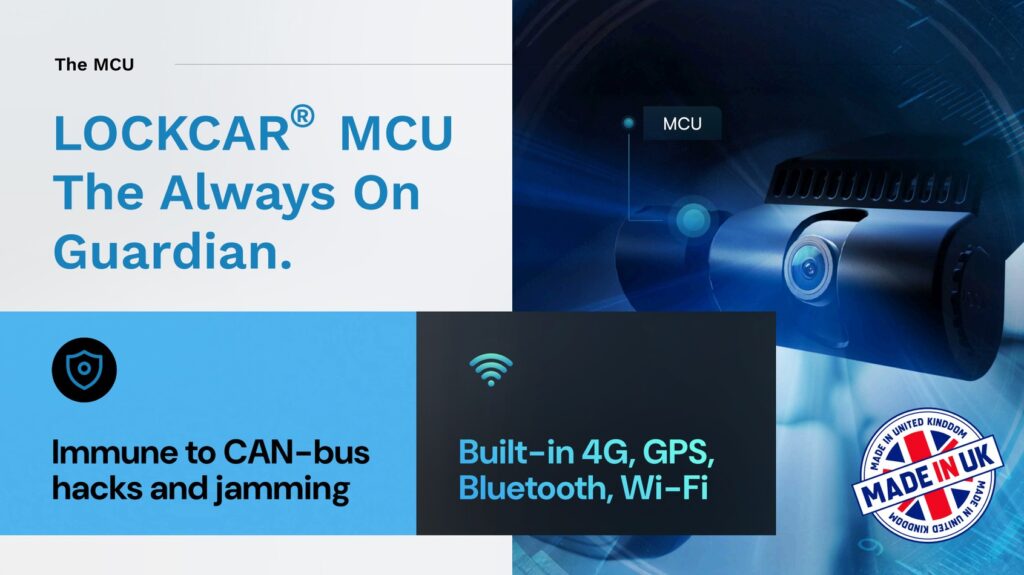
The main LockCar app is for 4G-connected systems (One Plus, Duo RH Plus) and provides GPS, camera, and remote immobilisation. The IMMO App is specifically for standalone immobiliser units (IC3ST, IS357) and communicates directly with the device over its local Wi-Fi connection – no 4G required.
Get your LockCar system installed today
All vehicles · UK-wide mobile installation · Same-day available
WhatsApp to book → Call usUK-wide