


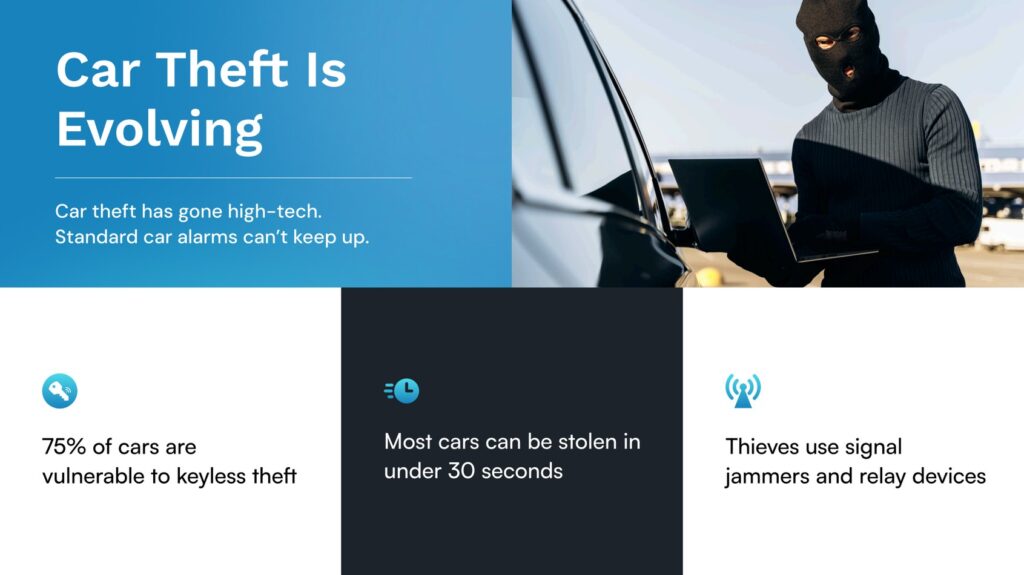
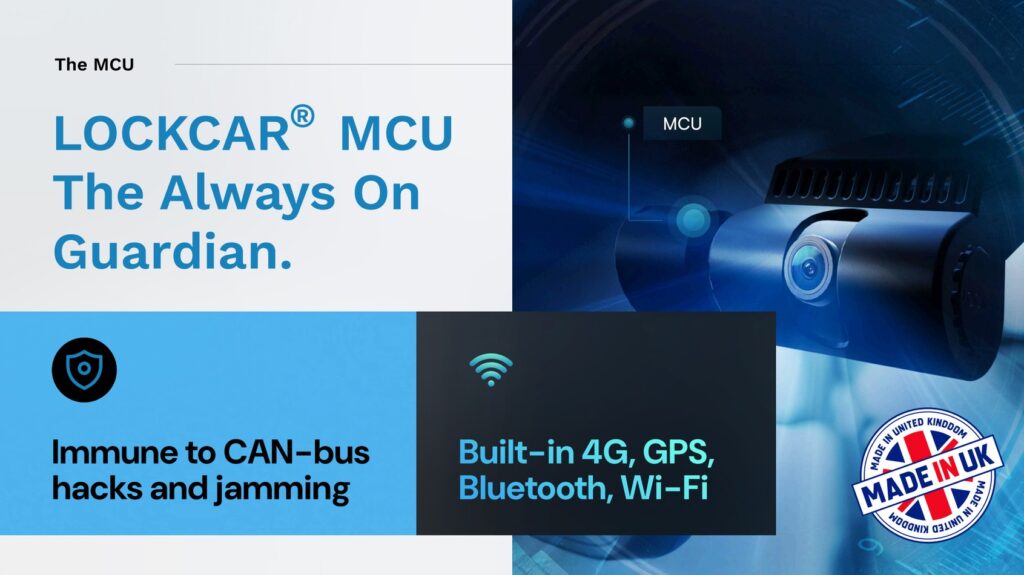
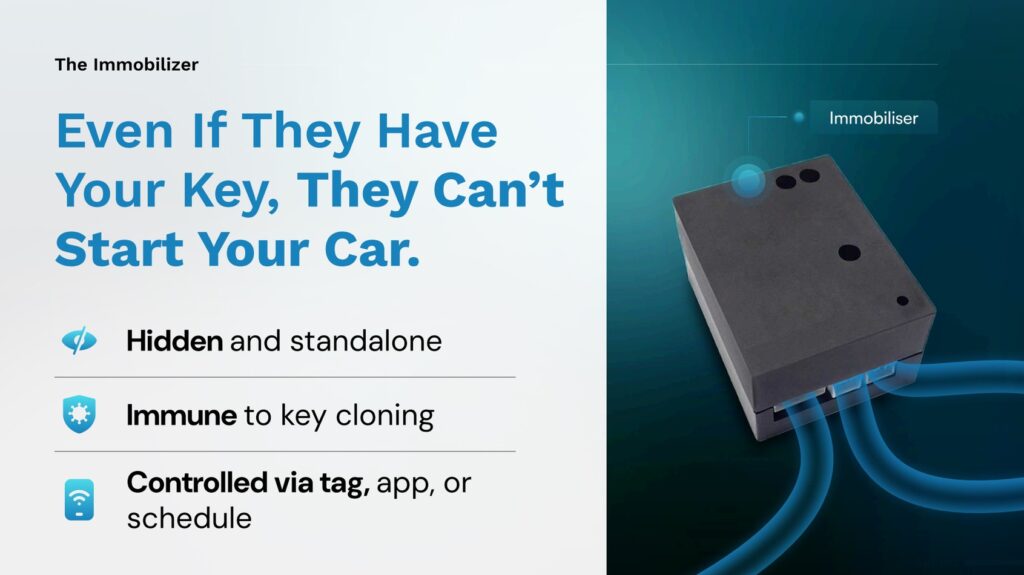
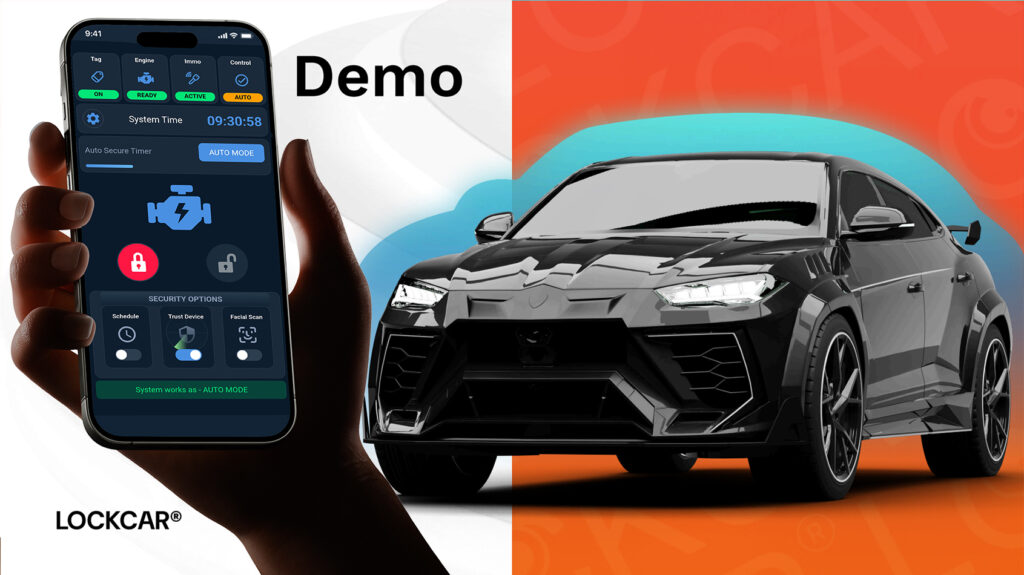
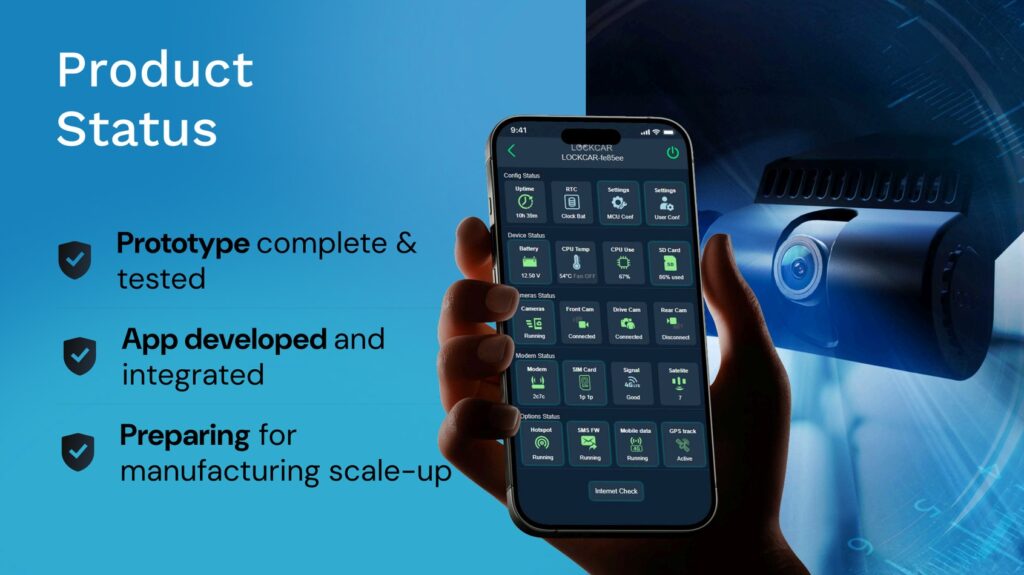

YOUR CAR
CAN BE STOLEN
in under 60 seconds with no alarm triggered
7 effective ways to manage fuel consumption in your fleet, using data you already have
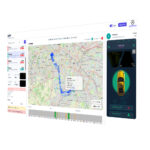
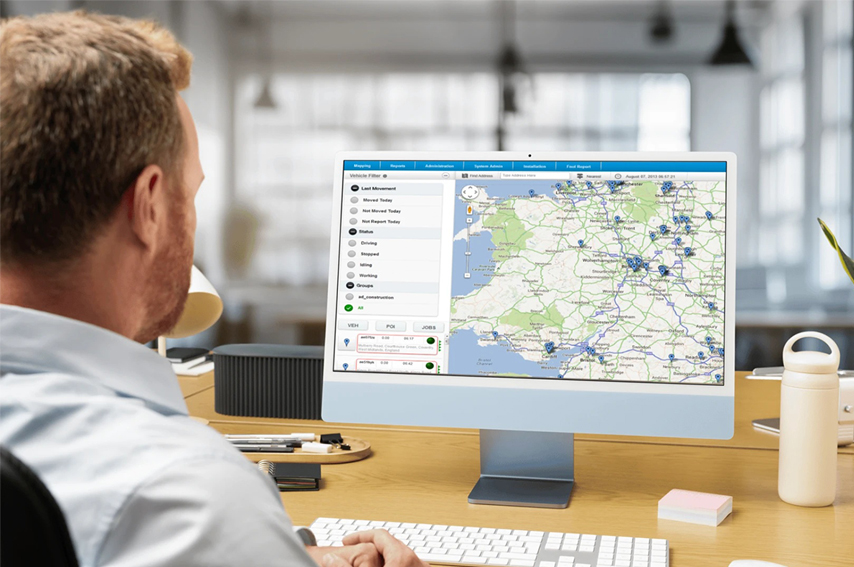
Fuel is one of the few fleet costs you can influence every single day. LockCAR, the Birmingham maker of 4G dashcams and trackers, built the LFM Fleet Monitoring Platform so businesses running five or more vehicles can see where that fuel goes. These seven steps show fleet managers and business owners how to act on it without guesswork.
- Seven data-led steps
- Per-driver reports
- For 5+ vehicles
Ways 1 to 4: change how vehicles are driven
Four of the seven ways come down to driving style. LFM driver behaviour reports cover all of them.
- 1. Cut idling
- An engine running while a van waits outside a job burns fuel for nothing. LFM idling reports show which vehicles and drivers idle most, so you can change schedules or habits, such as warming up the cab on winter mornings.
- 2. Bring motorway speeds down
- Fuel use climbs quickly at higher speeds. Speeding reports show who regularly drives over the limit, which is also a safety conversation worth having.
- 3. Coach out harsh acceleration and braking
- Pulling away hard and braking late throws fuel away at both ends. Driver behaviour reports flag harsh events per driver, so you can see whether it is one person or a habit across the team.
- 4. Coach with the driver’s own figures
- A conversation built on someone’s own report changes behaviour faster than a general memo to everyone. A simple weekly league table lets drivers see where they stand.
Ways 5 to 7: change where and when vehicles go
The other three ways are about planning, and they start with journey history.
5. Plan routes from real journeys
Journey history with route, time and distance shows repeat trips back to the depot and detours that add miles. Export it to plan better rounds and group jobs by area.
6. Stop out-of-hours use
Geofencing and movement alerts outside set hours show when company vehicles are used in the evening or at weekends, and fuel goes with them. Agree a clear policy first, then let the alerts back it up.
7. Right-size the fleet
Compare mileage per vehicle across the fleet. Vehicles that rarely move may not be needed, and every vehicle you run has to be fuelled, insured and maintained.
Why GPS data beats fuel receipts alone
- Receipts show what was bought, not whyJourney and driving reports explain where the fuel went and which habits used it.
- Every report is per vehicle and per driverYou can see exactly where to act instead of spreading the blame across the whole team.
- Exports fit your own spreadsheetsJourney history can be exported for monthly reports, mileage checks and reviews with drivers.
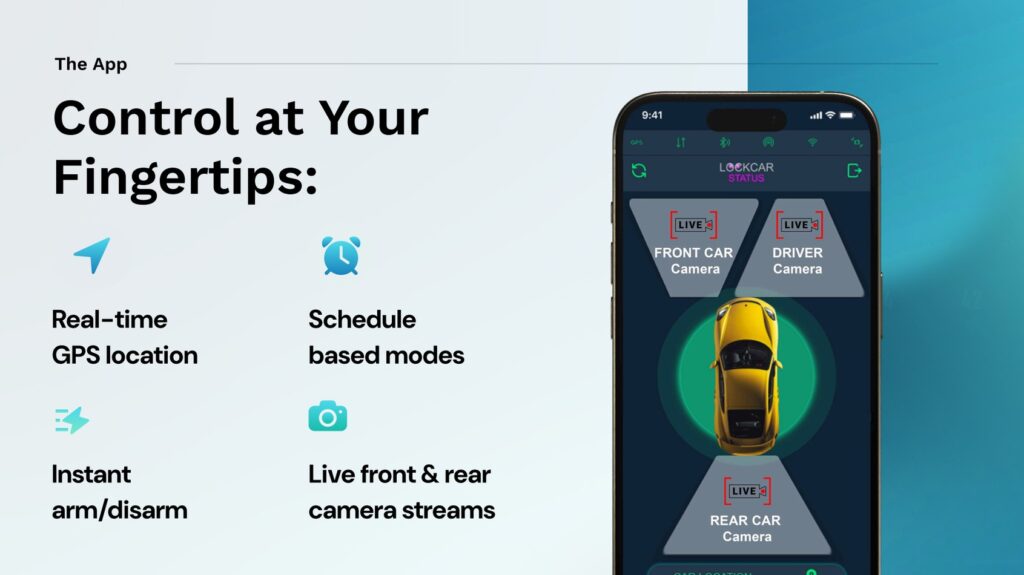
- The same system protects the fleetWhere vehicles carry a compatible LockCAR 4G dashcam, LFM can also show a live camera view or immobilise a vehicle remotely.
The hardware that feeds LFM
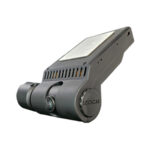
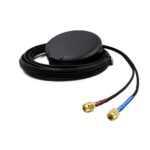
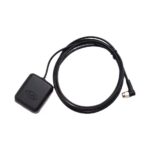
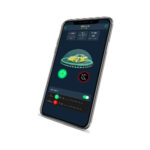
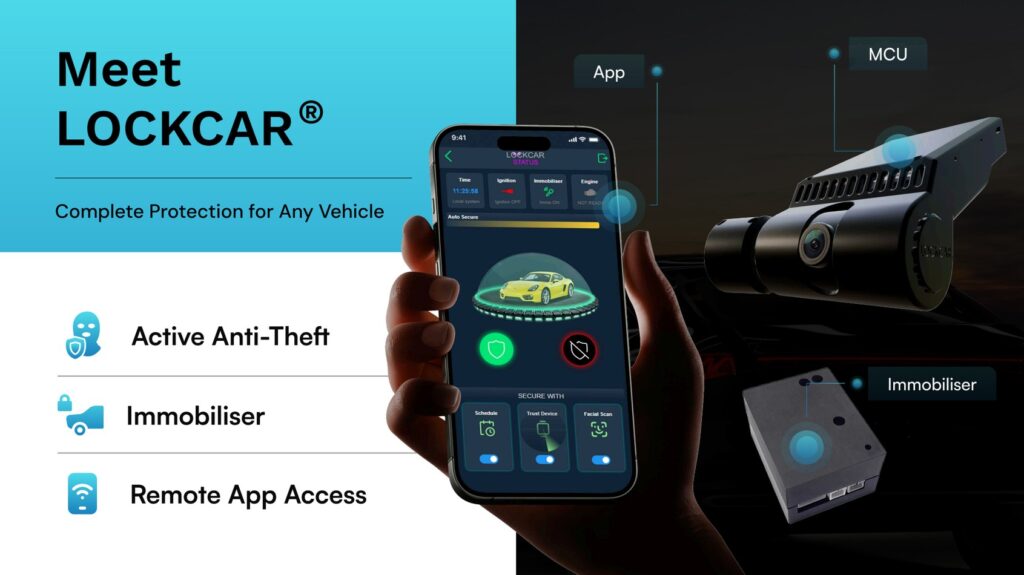
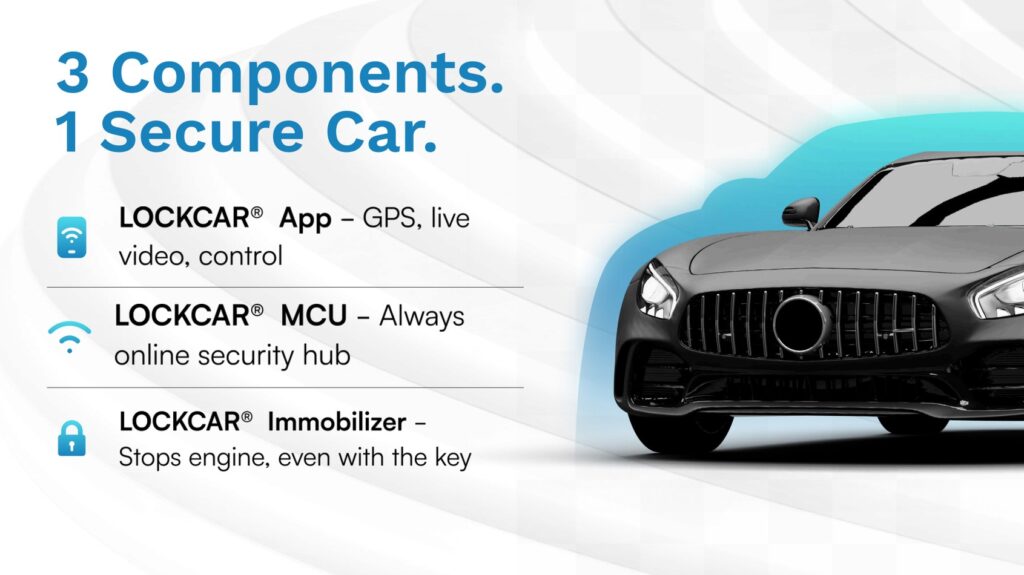
Each vehicle needs a LockCAR 4G system with GPS. LFM then brings every vehicle into one dashboard and the iOS app.
| What you need | What it adds to your fuel reports | Price |
|---|---|---|
| LockCar One Plus 4G | Position, journeys and driving events for one vehicle, plus a front camera and an immobiliser | £499 fitted |
| LockCar Duo RH Plus 4G | The same data, with a second camera facing the cabin | £699 fitted |
| LFM Fleet Monitoring Platform | Idling, speeding and harsh-driving reports for the whole fleet, plus exports and alerts | On request |
What you can expect to save
We do not quote a saving, because it depends on your routes, your vehicles and how drivers respond to their reports. What LFM gives you is the evidence: which vehicles idle, who speeds, which routes add miles and when vehicles move out of hours. The savings come from what you change, so review the reports regularly and measure your own fuel bills before and after.
Fleet fuel questions
Which of the seven ways should we start with?
Start with whichever stands out in your own first reports. Idling and speeding are good places to begin, because both are quick to spot and easy to talk about with drivers.
How do I know if a driver is idling a lot?
LFM driver behaviour reports include idling for each vehicle, alongside harsh braking, rapid acceleration and speeding.
Do drivers need to know they are tracked?
Yes. Be open about it: explain why the vehicles carry trackers and how the reports will be used. Drivers who see their own figures have something concrete to work on.
Can I export journey data?
Yes. Journey history with route, time and distance can be exported from LFM.
How many vehicles do I need for LFM?
Five or more. Below that, each vehicle can still have its own One Plus 4G, and once you reach five we can quote fleet pricing for LFM.
Can you fit the whole fleet at our depot?
Yes. Approved installers can work through the vehicles at your premises. Installation typically takes 60 to 90 minutes per vehicle, so the rest of the fleet keeps working.

Written by the LockCAR engineering team. We design and build CAN bus immobilisers, GPS trackers and 4G dashcams in the UK and fit them through our approved installers. Meet the engineers. Last updated .